
Use Organization info to confirm the current enterprise, copy access addresses, and edit the organization name.
Use Organization info to confirm the current enterprise, copy access addresses, and edit the organization name. Before sending a sign-in address to a colleague, verify that this is the correct enterprise.
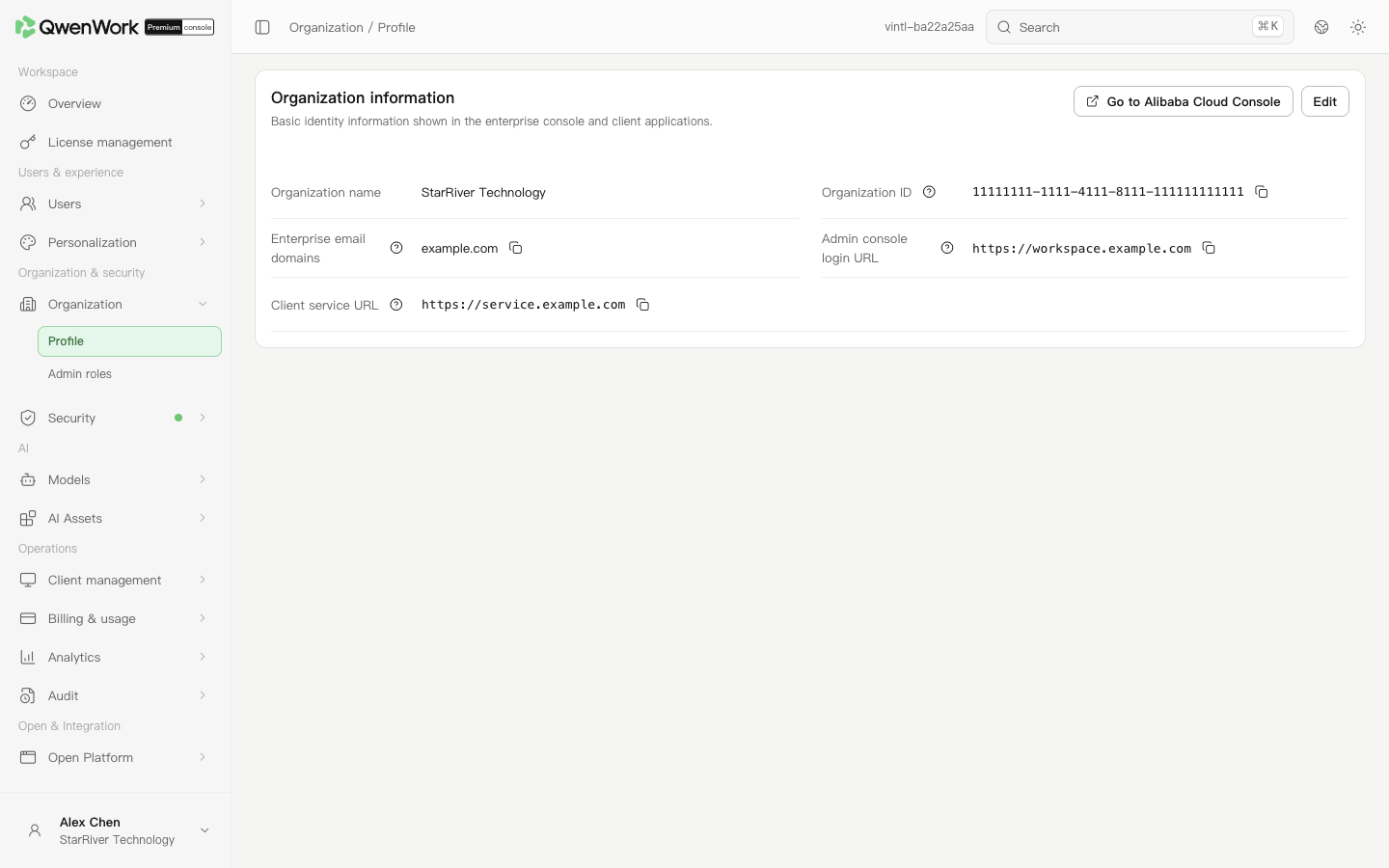 Admin console: the organization name, enterprise email domains, and two access addresses.
View and copy enterprise information
- Open Organization → Profile.
- Check the organization name and ID. The ID is the fixed identifier of the enterprise; use the adjacent copy button.
- Give administrators the Admin console login URL. Use the Client service URL when configuring client services. Copy the field appropriate to the purpose.
- The enterprise email domain shows the currently configured domain. To maintain it, open Users → Authentication → Trusted email domains.
Edit the organization name
- Click Edit.
- Enter a name of 1–255 characters.
- Save and check the new name. This edit does not change the organization ID or access addresses.