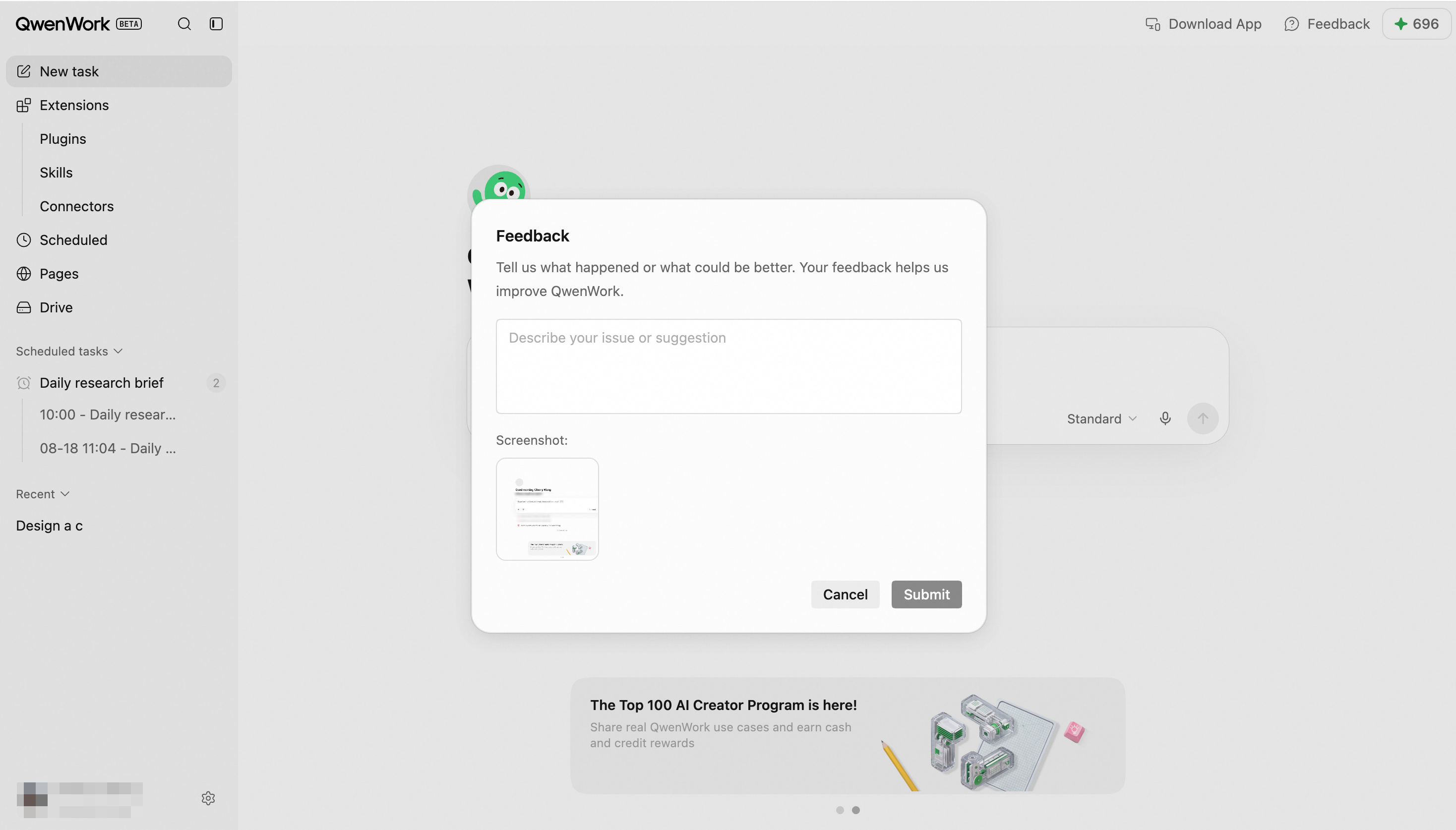
Submit product feedback and report issues.
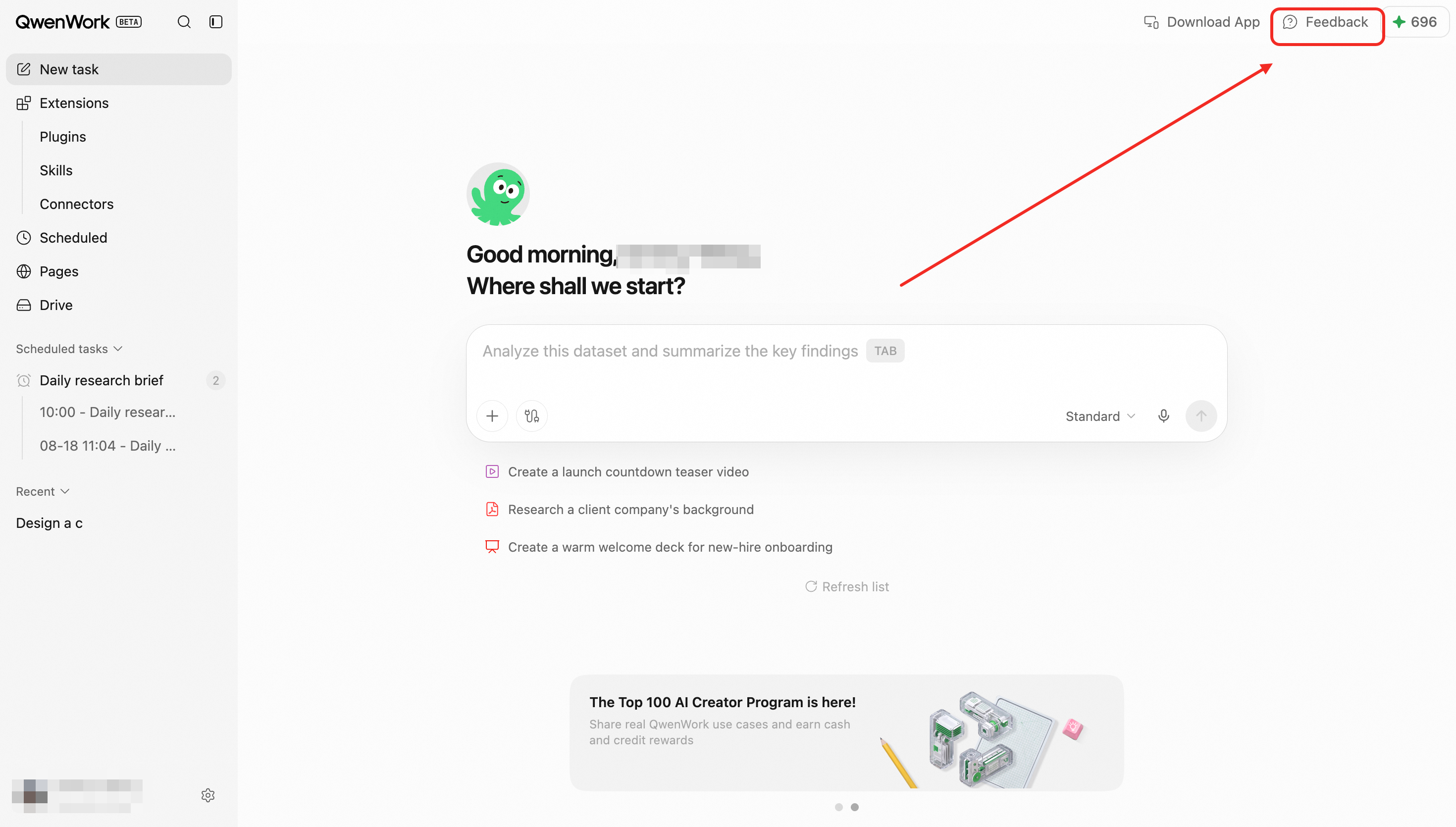
Use the Feedback button in the top-right corner of the screen to ask about the product or report a problem.
 Use AI customer support to ask about product information, features, usage rules, and frequently asked questions in natural language. It provides clear instructions that cover the complete process, from locating a feature to completing a task.
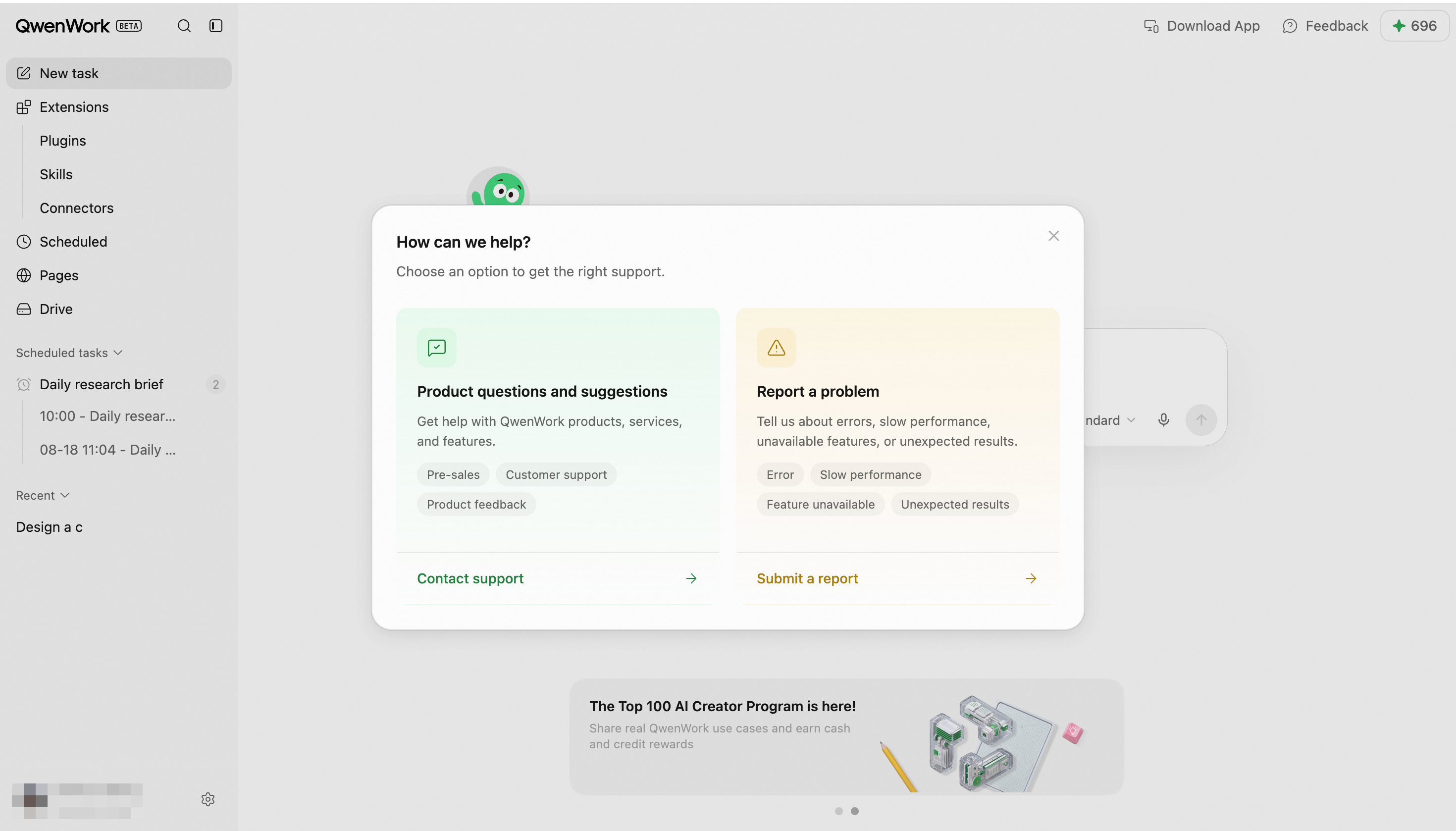 If you encounter an issue, submit feedback manually or through AI customer support. Include your User ID and the Session ID of the affected conversation to help the QwenWork technical team identify and resolve the issue quickly.