
User activity records key client operations for troubleshooting sign-in, authorization, and usage.
User activity records key client operations for troubleshooting sign-in, authorization, and usage. Records are retained for 90 days in VPC and 180 days in K8S.
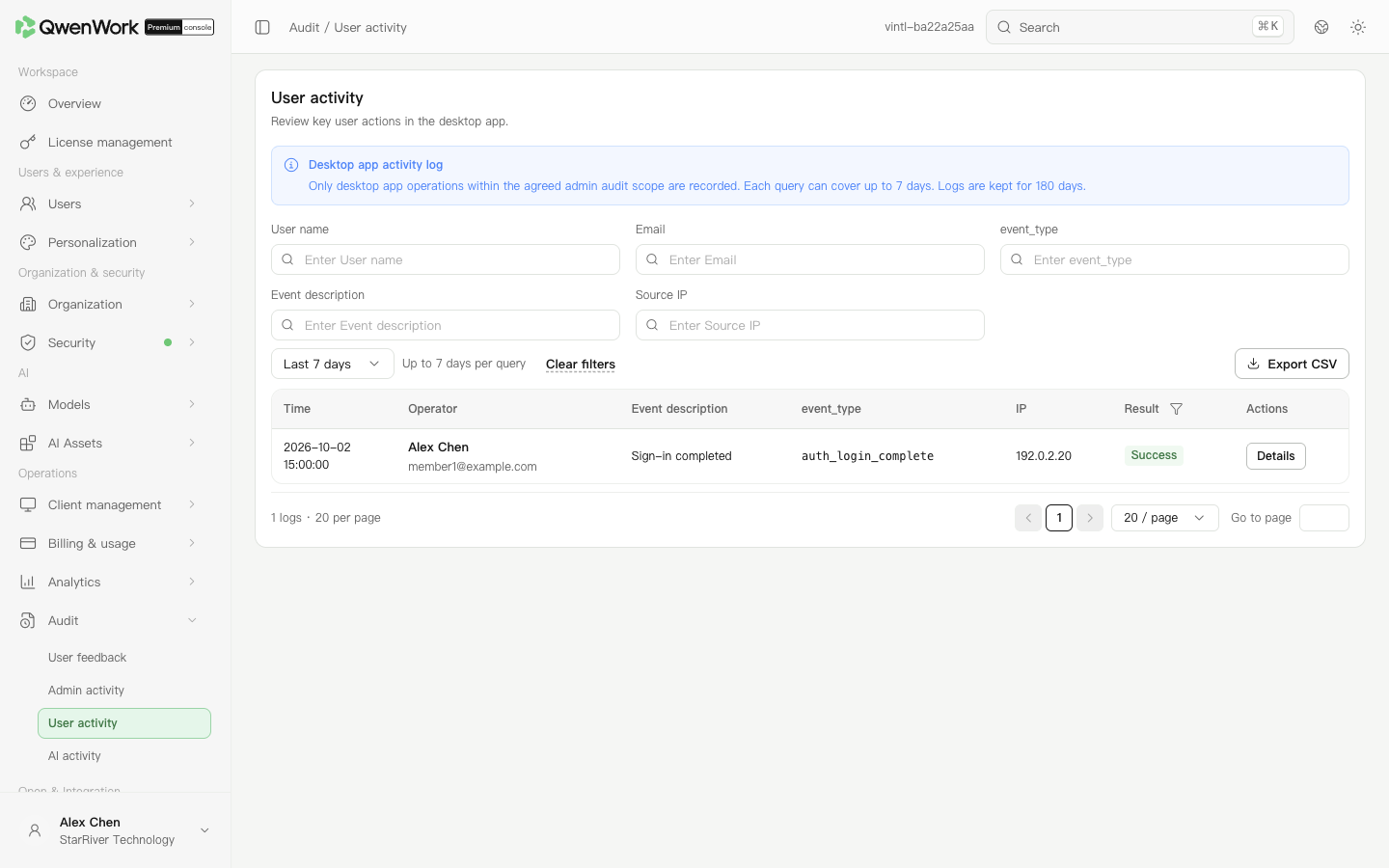 Admin console: query client events for a date range.
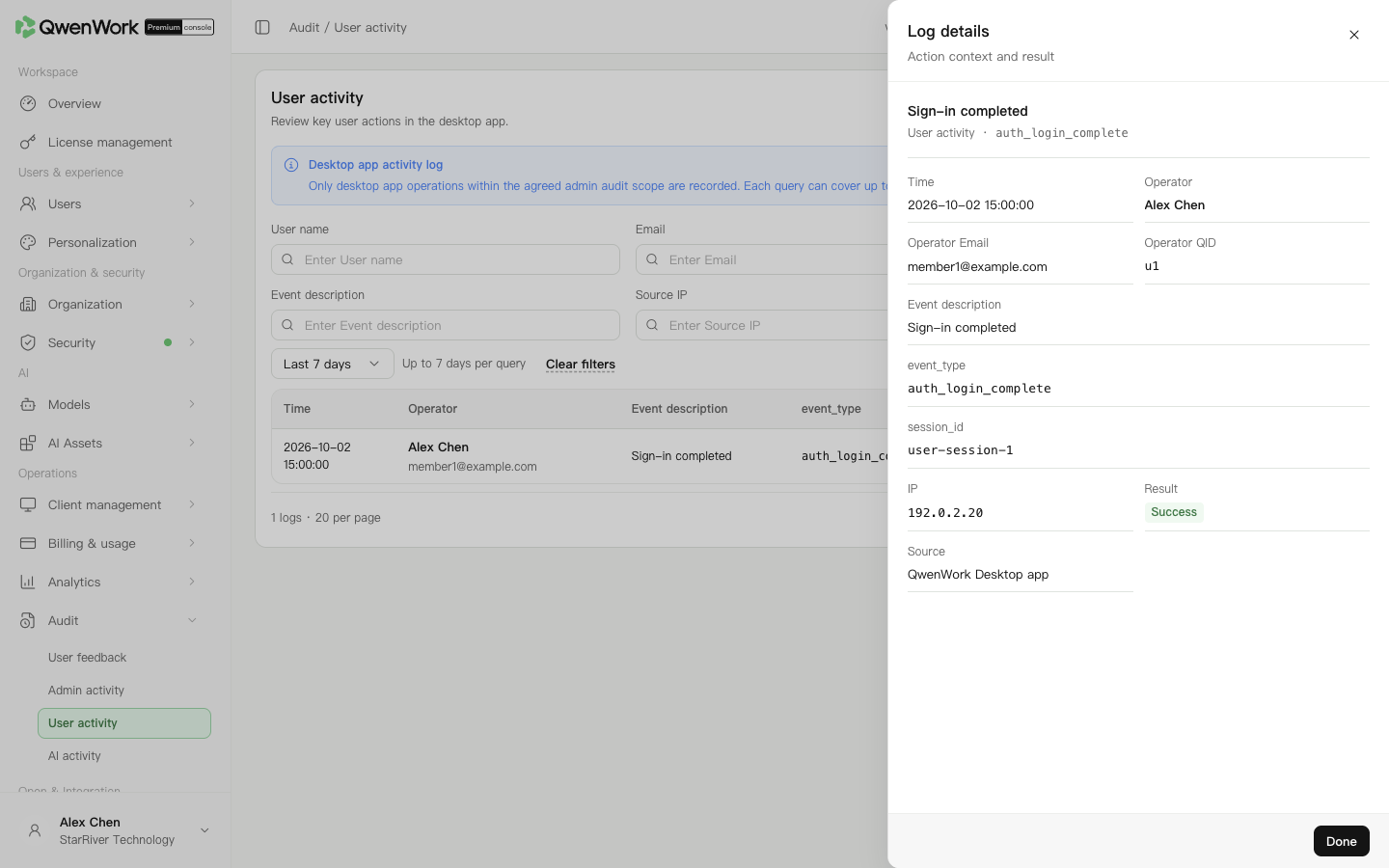 Admin console: inspect event identifiers and results.
Ask for the time and sign-in method. Find authentication events and check for a completed sign-in event. Identity-provider authorization and entering a workspace may be different stages. Members eligible for first-time password creation must also complete that step.
For a member who cannot sign in, check account status, seat assignment, Authentication, and Trusted devices. Logs record events; they do not automatically explain every policy decision.
After the filtered list loads successfully, click Export CSV. Export uses that successful query's dates and filters. Spot-check dates and users. For missing records, clear filters and check the deployment-specific retention boundary and the selected query window. To inspect skills or connectors used within a task, use AI activity.
Return to: Audit overview
Find a member's operation
- Open Operations → Audit → User activity.
- Set start and end dates covering the reported time. The default is the last 7 calendar days. A custom query spans up to 7 calendar days and must stay between the earliest allowed date and today.
- Search by name, email, event description,
event_type,session_id, or IP. - Check results and open details. Filter failures where needed.