
IM (instant messaging) channels control which messaging services enterprise members can use.
IM (instant messaging) channels control which messaging services enterprise members can use.
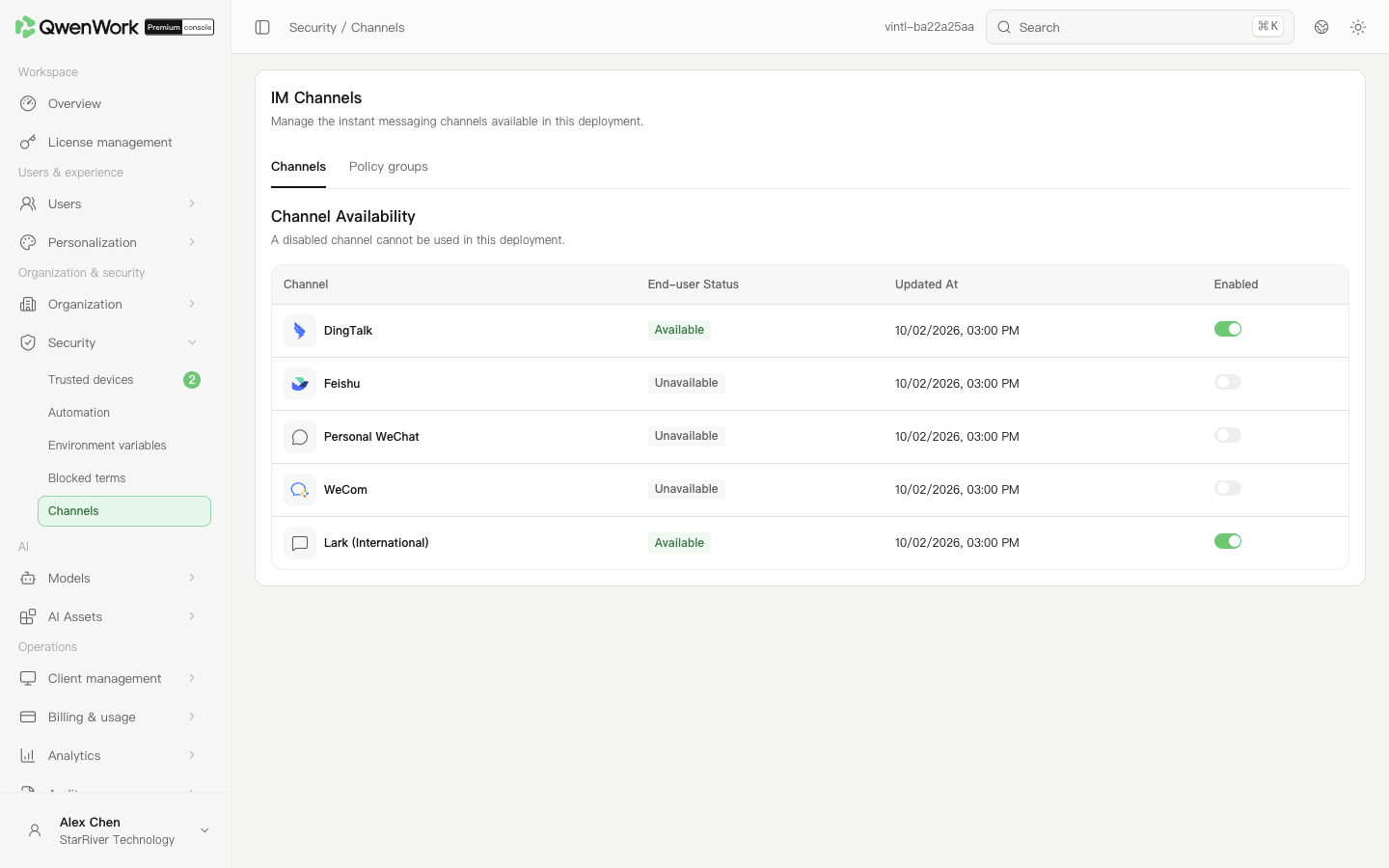 Admin console: check each channel's availability and enabled state.
Return to: Security overview
Admin console: check each channel's availability and enabled state.
Return to: Security overview
Enable or disable a channel
- Open Organization & security → Security → Channels.
- Find DingTalk, Feishu, WeChat, WeCom, or Lark.
- Change the channel's switch. The switch cannot be used again while submitting. If saving fails, the previous state is retained and you can retry.
- Check the availability, enabled switch, and update time in the list. All five channels appear directly without pagination.