
Trusted Networks restricts the public source addresses that can access enterprise services.
Trusted Networks restricts the public source addresses that can access enterprise services. Usually these are the egress IP addresses of an office network or enterprise VPN. A computer's private LAN address is not its public egress address. Confirm the actual addresses with your network administrator first.
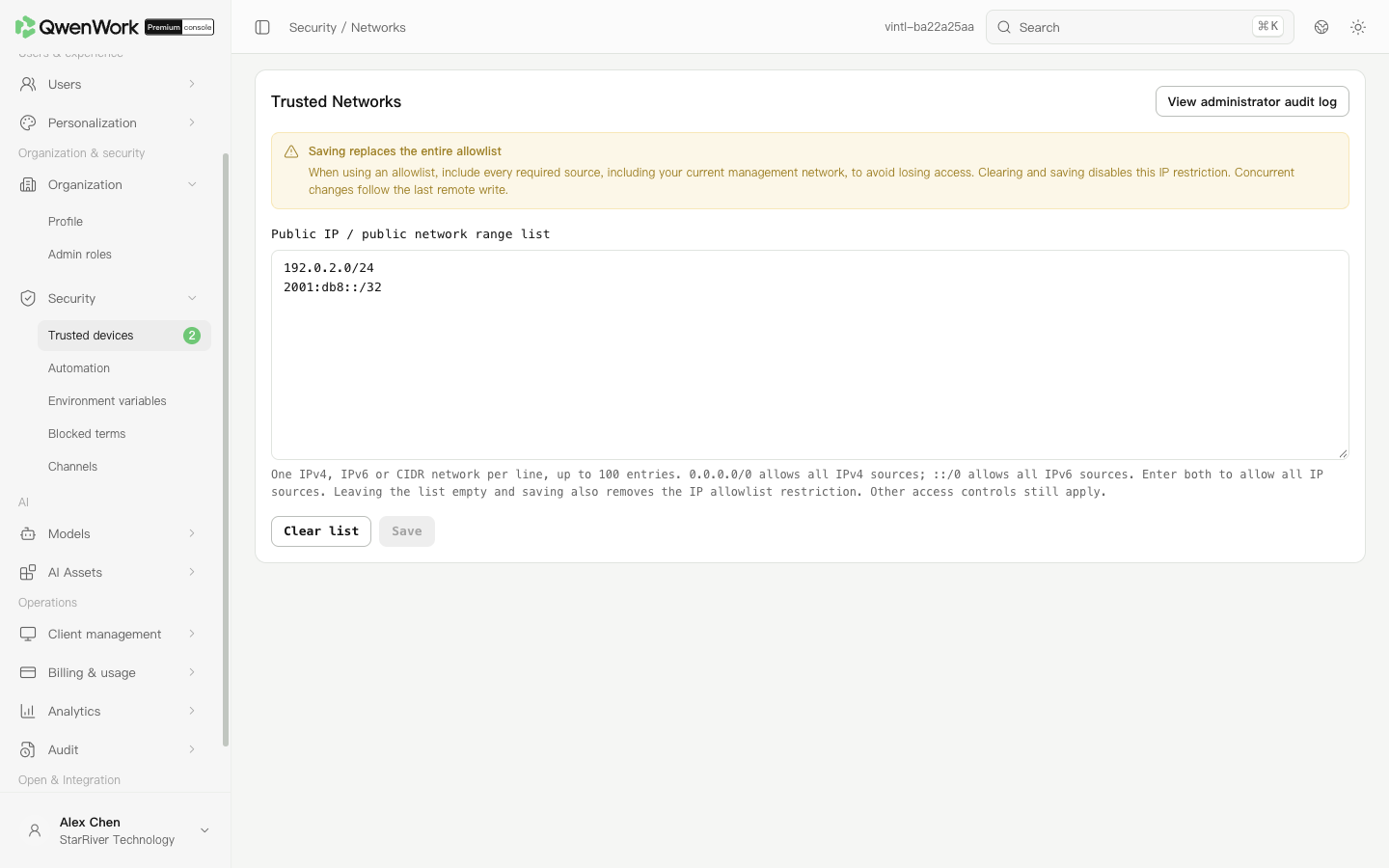 Admin console: enter one public address or network range per line.
Click Clear list, then Save and confirm. An empty saved list removes this allowlist's source restriction. Clearing the input without saving does not apply the change.
Follow the error message to check addresses, network prefixes, duplicates, and entry count. Saving replaces the entire list. Retain every egress address that still needs access so you do not exclude yourself or colleagues.
Return to: Security overview
Set allowed addresses
- In a VPC deployment, open Security → Networks. This menu is unavailable in a K8S deployment.
- Enter one IPv4 address, IPv6 address, or CIDR range per line in the public IP and network list, up to 100 entries. For example,
192.0.2.0/24illustrates a network range; it is a documentation example. - Check that the list includes the egress address of your current network, then click Save.
- Read the confirmation and submit. Reopen the page after success to verify the saved list.
Remove the source restriction
Click Clear list, then Save and confirm. An empty saved list removes this allowlist's source restriction. Clearing the input without saving does not apply the change.
0.0.0.0/0 allows all IPv4 sources, but does not allow all IPv6 sources. To remove the entire restriction, clear the list.