
Connect QwenWork to external services and data sources.
Overview
Connectors link QwenWork to external services. After authorization, the Agent can read information or perform supported actions within the permissions granted by the user.
Common Use Cases
- Retrieve information from external business systems
- Work with collaboration, project management, or knowledge services
- Collect and organize information across systems
- Give scheduled tasks access to a consistent external data source
Entry Points
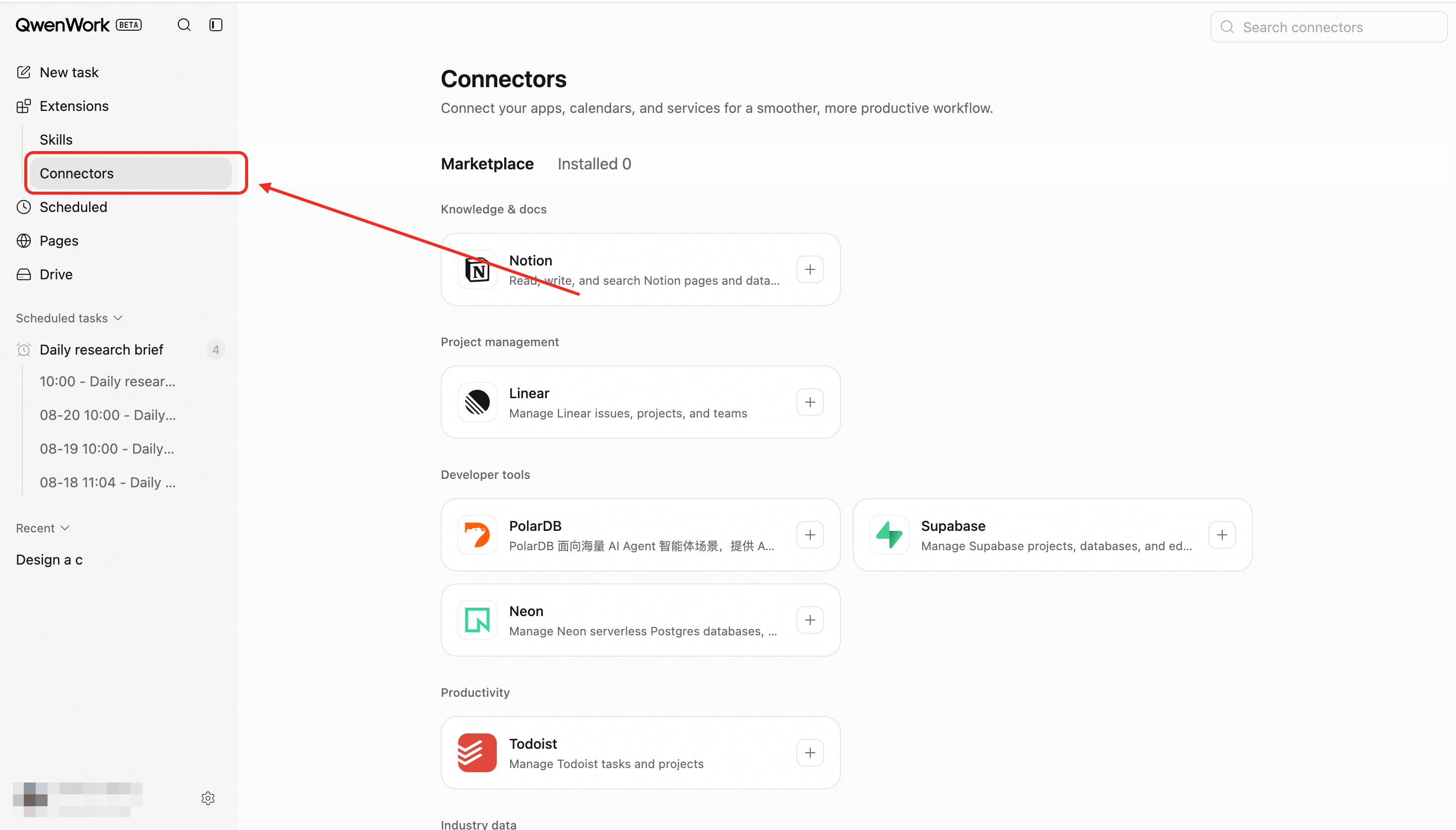
Browse available services in the connector marketplace, or open the connector selector from the session composer.
Core Capabilities
Browse Connectors
The marketplace shows services suitable for international use, including the service name, purpose, authorization type, and connection state.
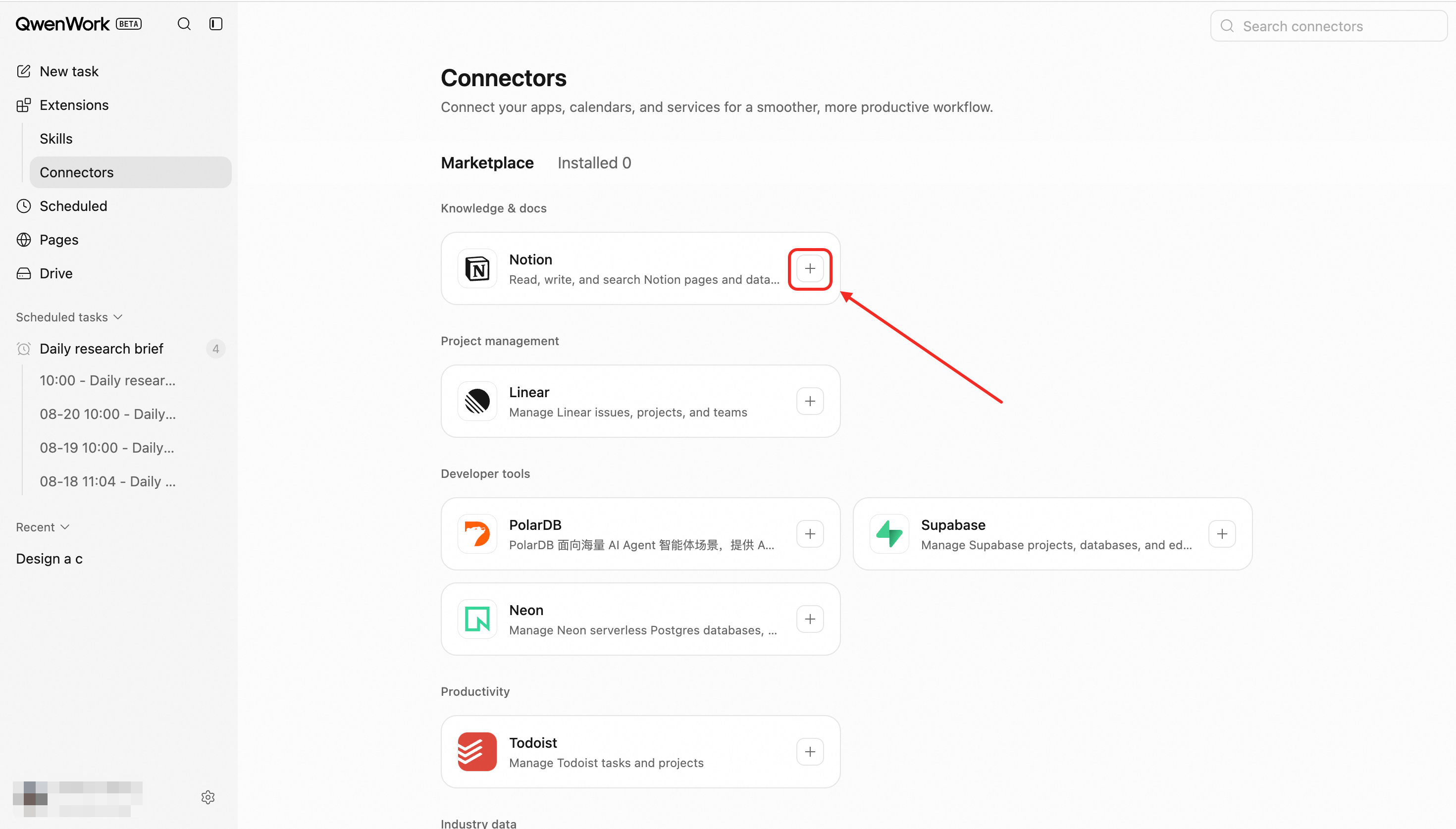
Install
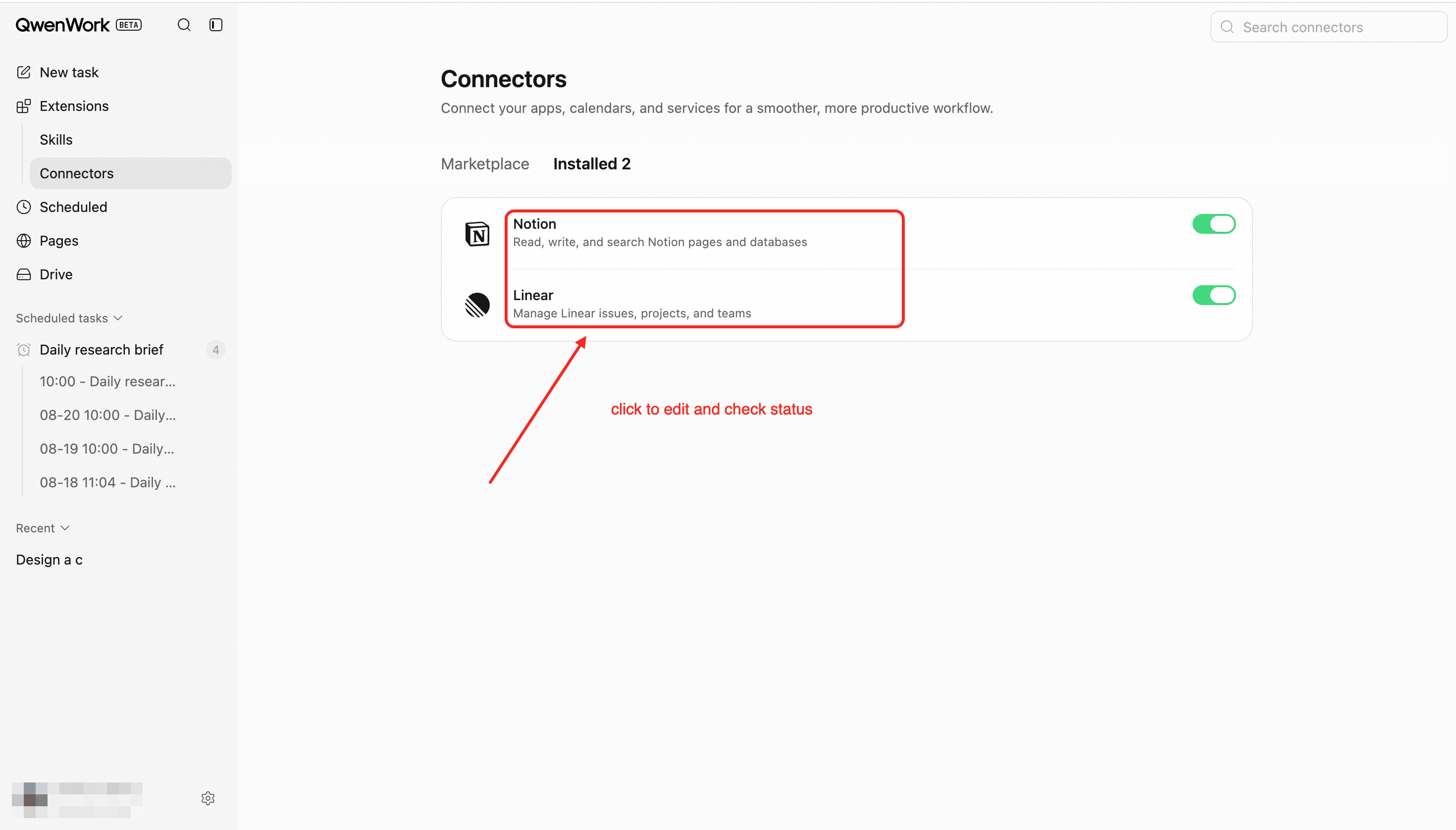
Installing a connector adds the capability to the active workspace. Installation alone does not grant access to an external account.
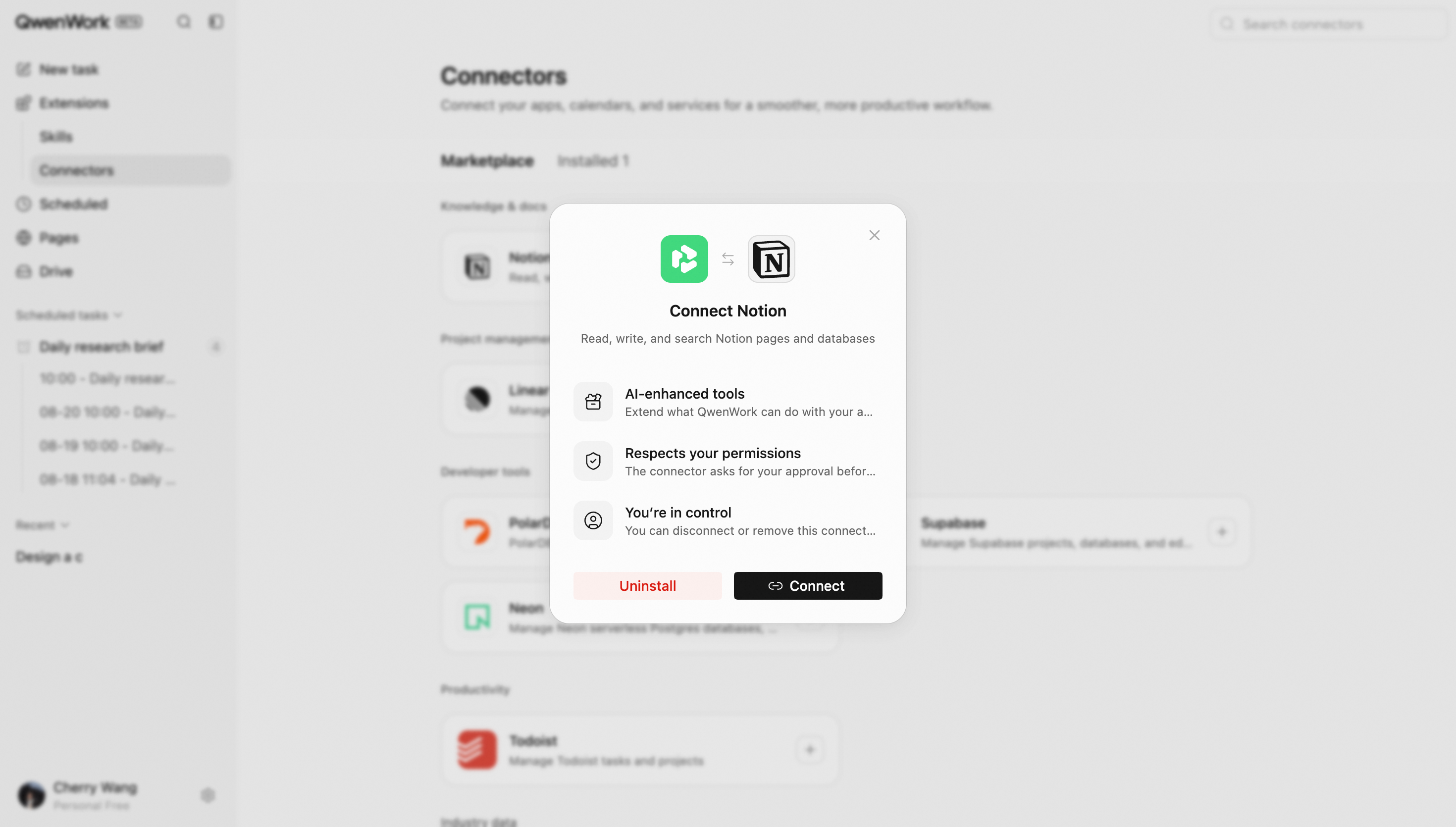
Authorize an Account
For services that require identity authorization, the user signs in to the external service and approves the requested access. The connector becomes usable only after successful authorization.
Enable in a Session
Enable a connected service for a specific task. The Agent invokes it when needed and returns the information or operation result to the session.
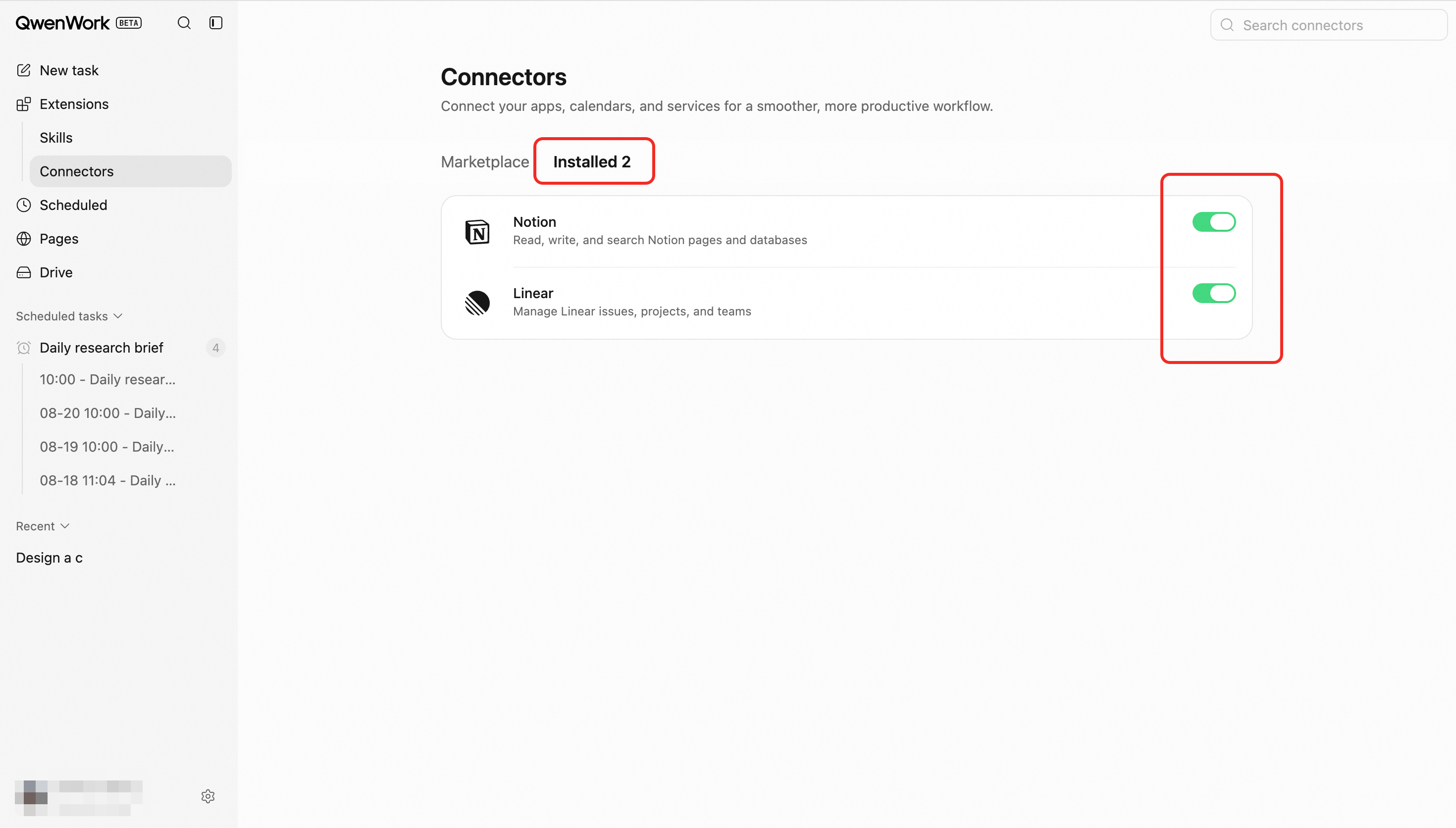
Manage Connections
Review connection status, reauthorize an expired connection, or disconnect an account. Once disconnected, the Agent can no longer use that authorization.
End-to-End Flow
- Select and install a connector.
- Complete external account authorization when required.
- Confirm that the connector is connected.
- Enable it in a session and describe the goal.
- The Agent uses the service within the authorized scope.
- Results are returned to the session.
- Disconnect the account at any time.
Key Rules
- Only connectors appropriate for international use are displayed.
- The DingTalk connector is not shown in the international edition.
- Installation, account authorization, and session enablement are separate actions.
- The Agent can access only the data and actions included in the authorization.
- Expired permissions or external account changes may require reauthorization.
- Connections are scoped to a workspace, so availability may change when switching workspaces.