
Sign in, switch accounts, and manage workspaces.
Overview
This module verifies a user's identity, creates or accesses a QwenWork account, and directs the user to the correct personal or organization workspace.
Common Use Cases
- Create a QwenWork account
- Sign in with Google or email
- Reset a forgotten password
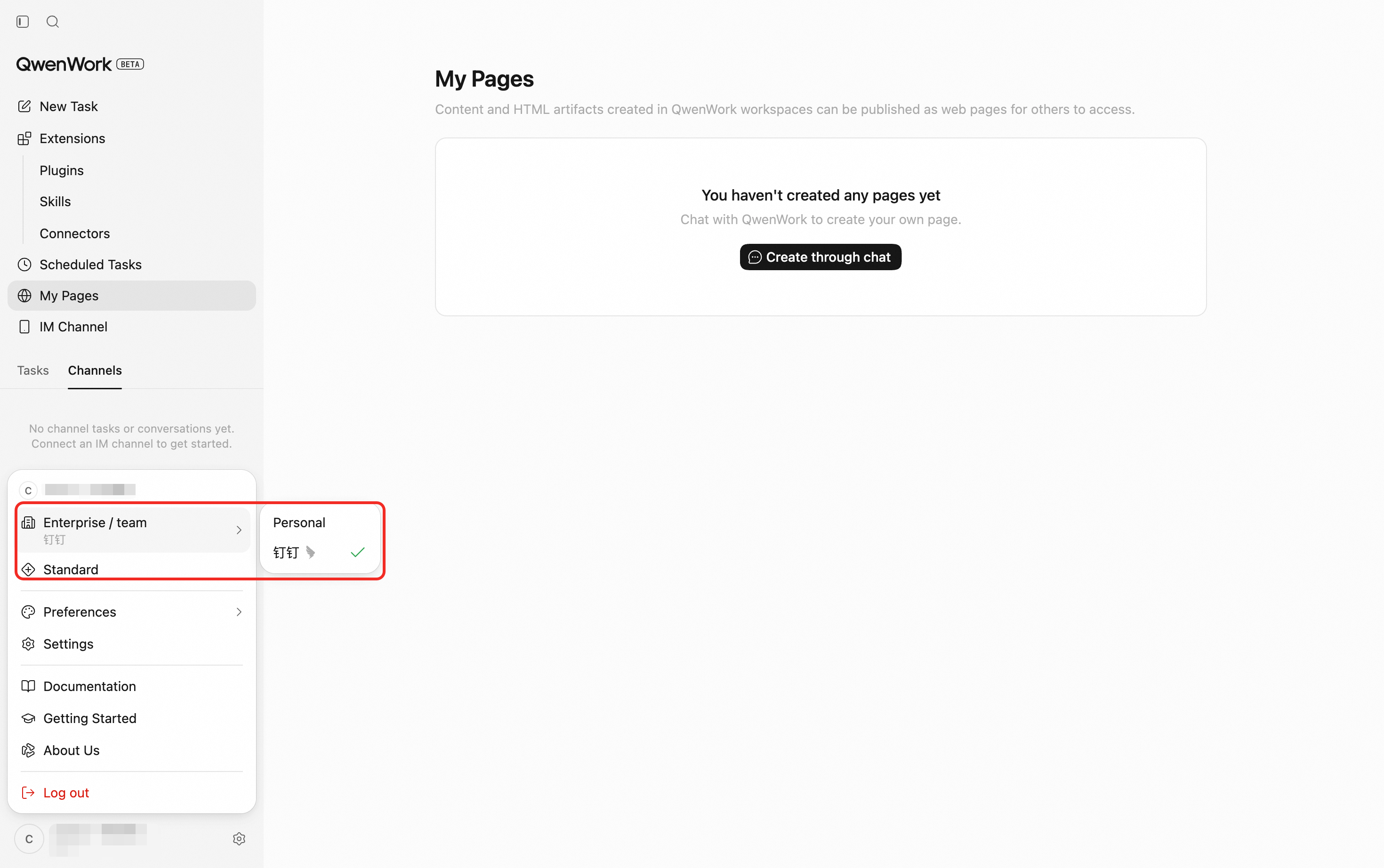
- Choose between personal and organization workspaces
- Accept an invitation to join an organization
Get Started
Open the QwenWork sign-in page and continue with Google or enter an email address.
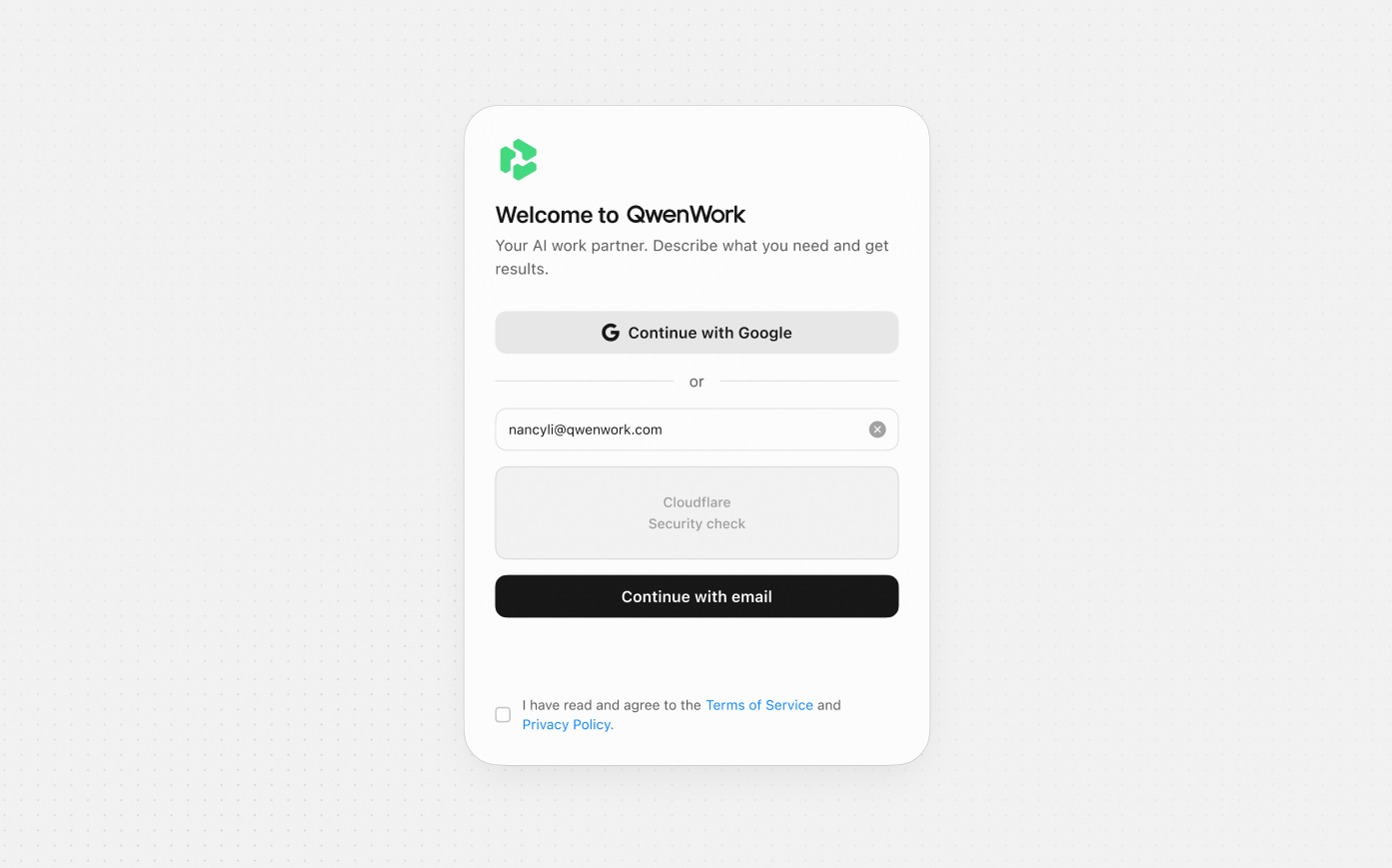
Option 1: Sign in with Google
After the user authorizes QwenWork through Google:
- Existing users are signed in to their account.
- New users continue to account setup and profile completion.
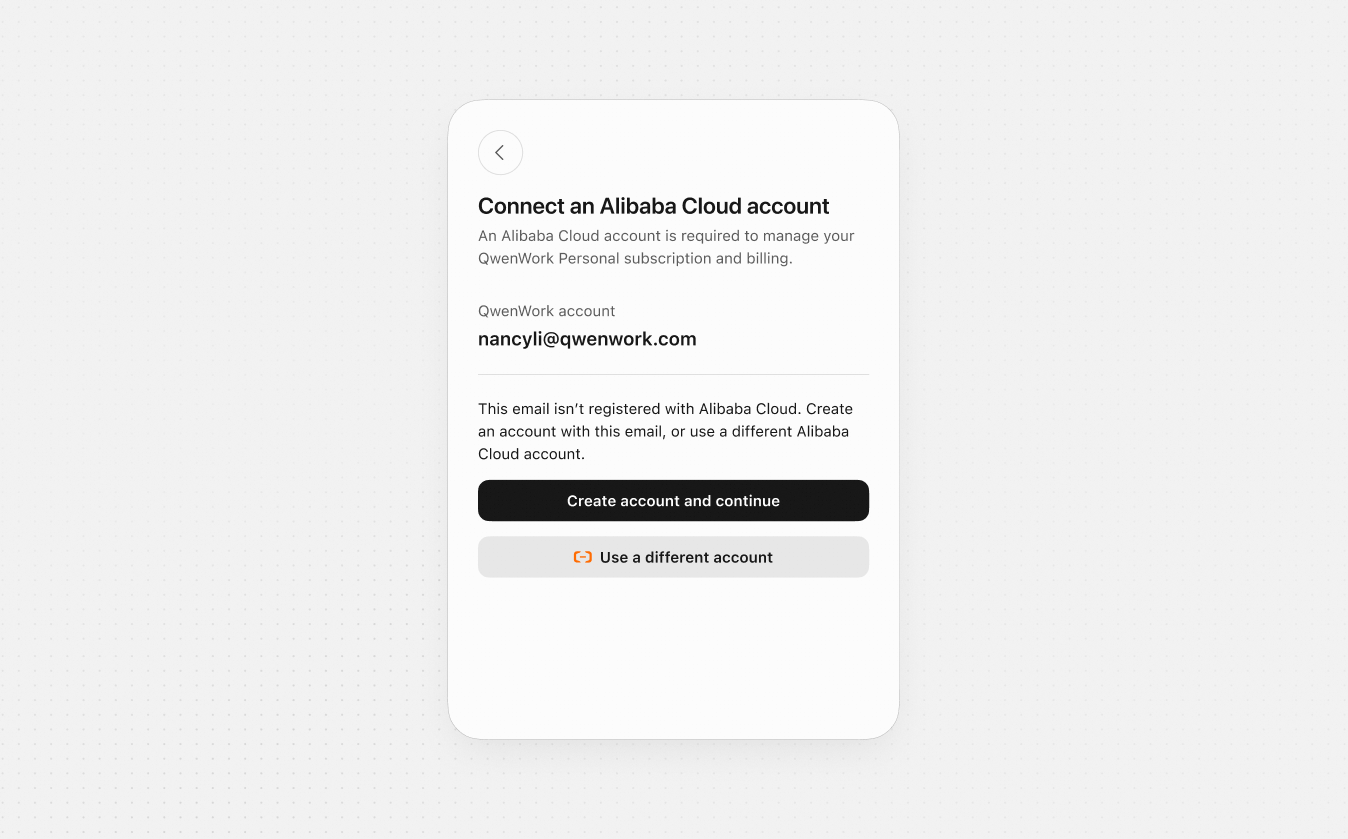
- Connect to your Alibaba Cloud account.
Option 2: Sign-in with Email
After an email address is entered, QwenWork determines the appropriate flow:
| User Type | Process | Screenshot |
|---|---|---|
| Existing account | Enter verification code sent to your email. If the code wasn't received, check Spam inbox first or resend. | 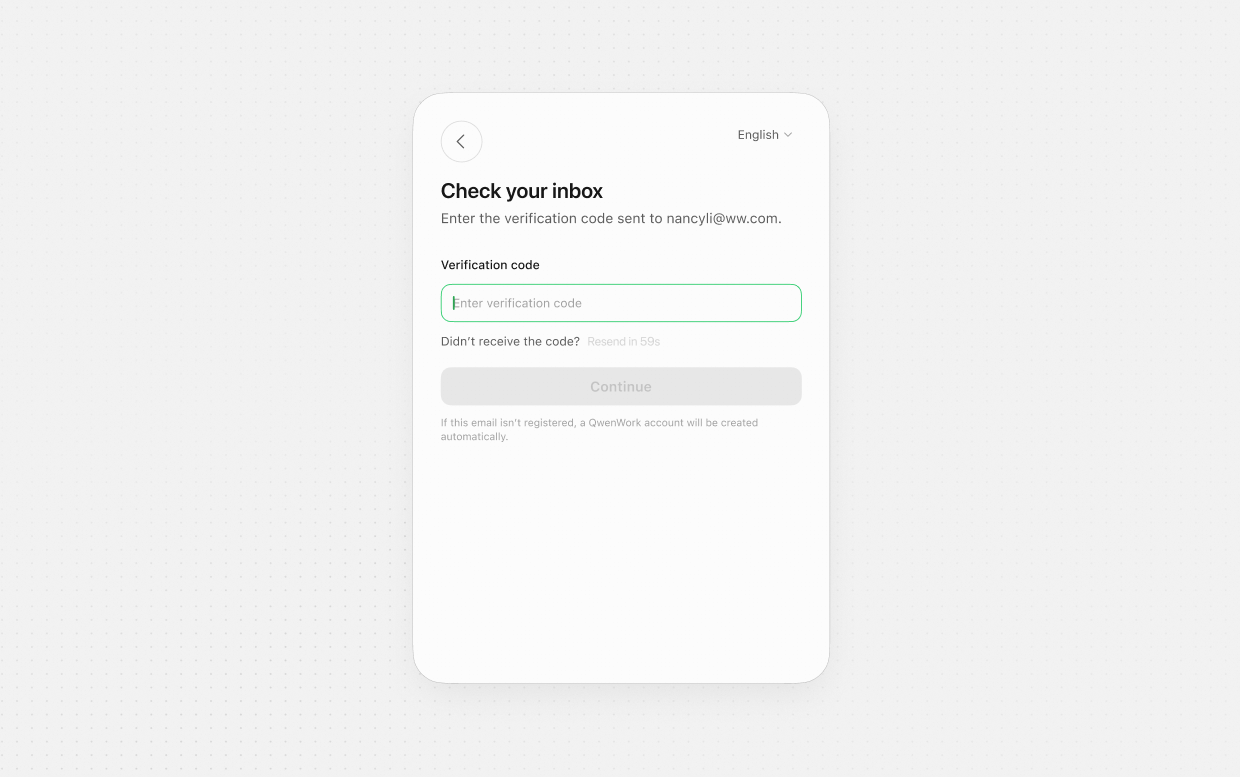 |
| New account |
|  |
New User Profile
New users provide a display name and select their country or region. The display name is used throughout the product. Country or region information supports account and service configuration.
Password Reset
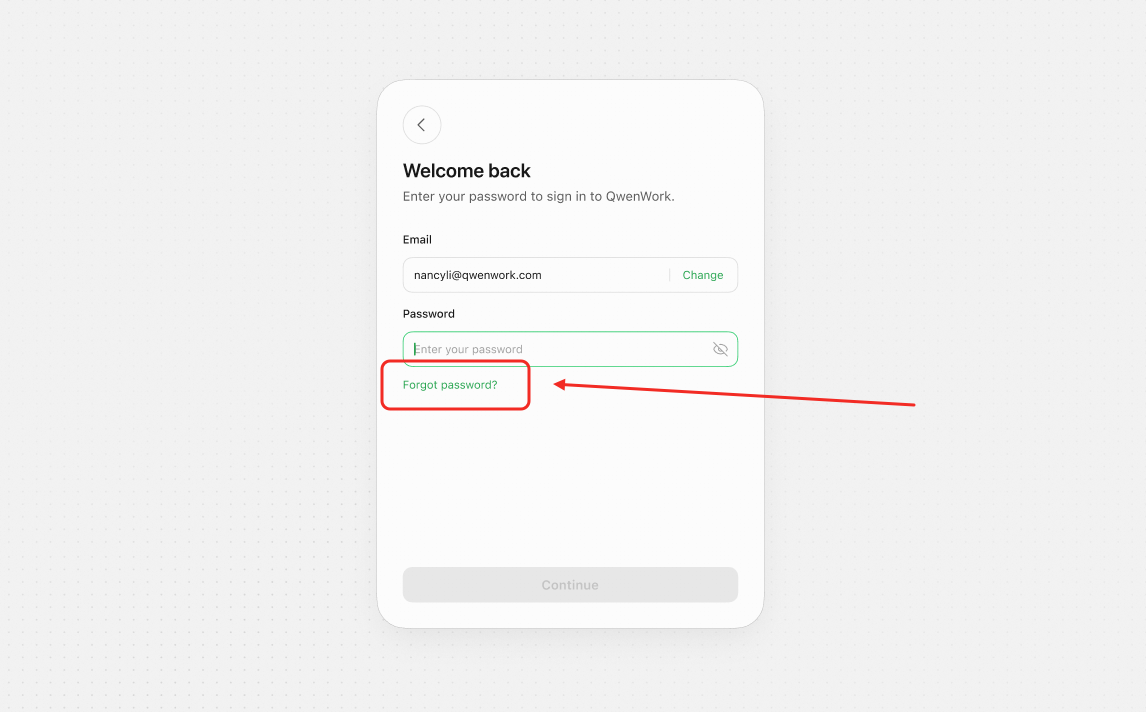
Select Forgot password, verify the email address with a one-time code, set a new password, and continue with the new credentials.
Organization Invitations
An invited user verifies their identity and joins the specified organization. The organization then appears in the user's workspace switcher.
End-to-End Flow
- Choose Google or email.
- QwenWork identifies whether the user should sign in, register, or complete a profile.
- Sign into existing Alibaba Cloud account or create a new one.
- New users verify their email and complete required account details.
- QwenWork loads all accessible workspaces.
- If only one workspace is available, the user enters it directly; otherwise, the user selects one.
- New work and usage are assigned to the active workspace.
Key Rules
- Google and email are the primary identity methods.
- Verification codes are delivered by email.
- One account can belong to multiple workspaces.
- Switching workspaces changes the visible sessions, files, members, and usage.
- Users review the Terms of Service and Privacy Policy during authentication.