
Work with files, drive storage, and task deliverables.
Overview
File capabilities bring source material into Agent workflows and provide a consistent place to manage uploaded files and generated deliverables.
Common Use Cases
- Upload documents, images, or data for analysis
- Reuse the same source material across sessions
- Preview and download Agent-generated files
- Organize personal work assets
- Use shared organization resources
Entry Points
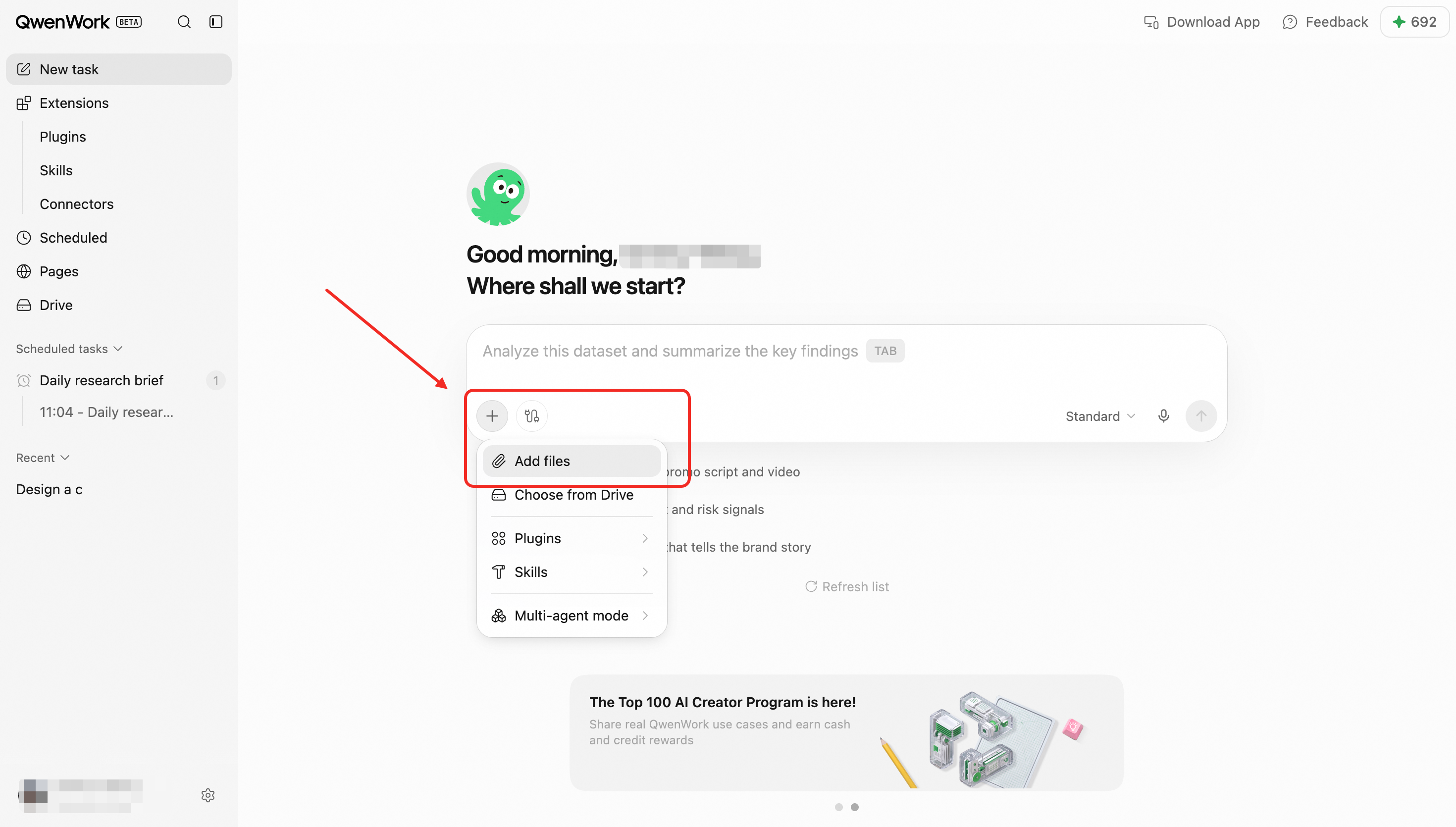
- Attachment controls in the session composer
- File and deliverable cards inside a session
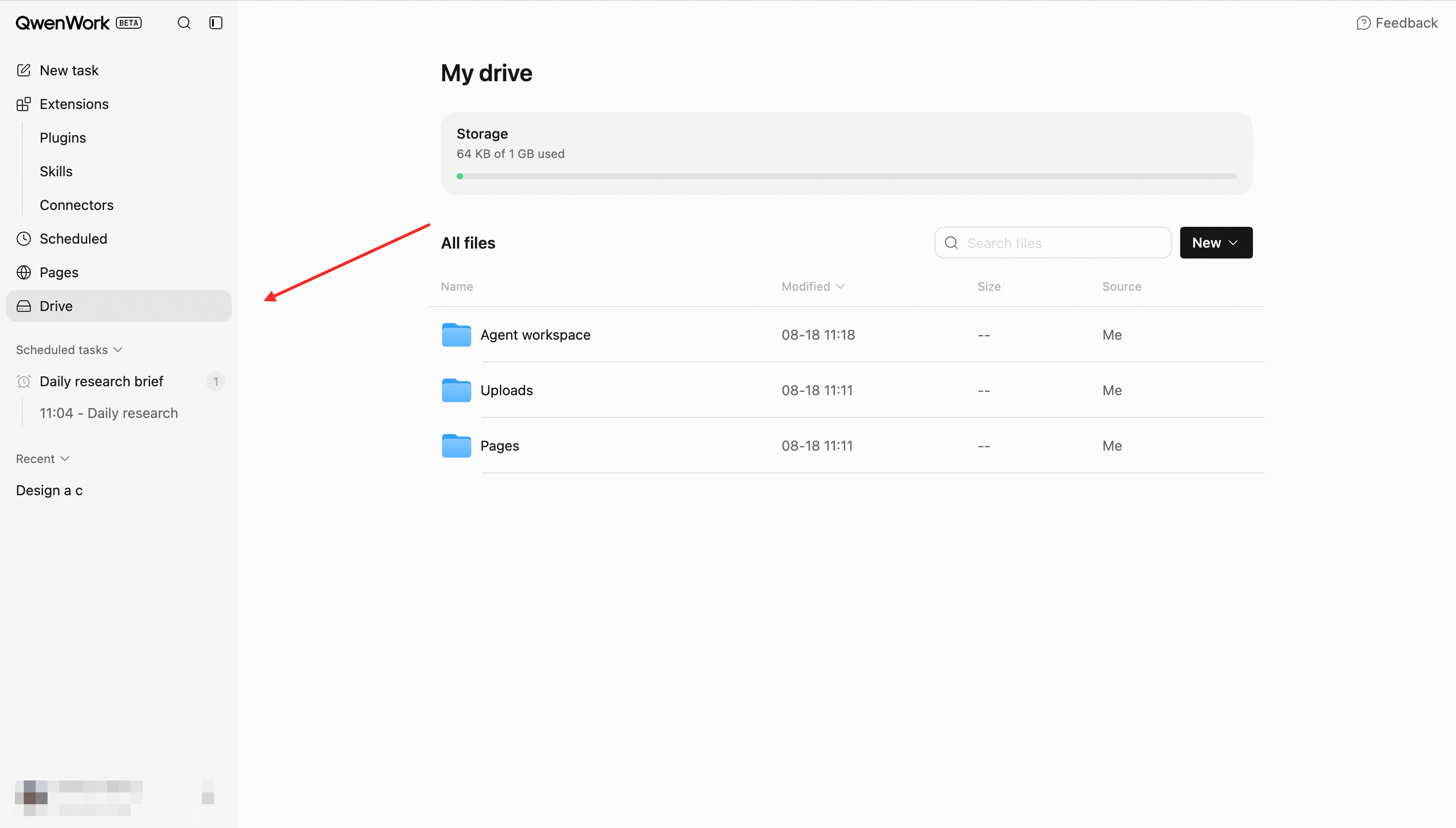
- Personal Drive
- Organization Drive
Core Capabilities
Upload Files to a Session
Upload files before submitting a request or during an active session. Once uploaded, a file becomes available as task context, and the Agent can read, analyze, summarize, or transform it.
Personal Drive
Personal Drive provides a central view of the user's own files. Uploaded source material and related assets can be found and reused in later work.
Organization Drive
Organization Drive stores shared organizational resources. Members can access and use files according to their permissions, allowing the Agent to work from a consistent source of organizational information.
Manage Deliverables
Documents, spreadsheets, images, code packages, and other generated outputs appear as session deliverables. Users can:
- Preview supported formats
- Download files
- Return to the original session for revisions
- Find and reuse the asset later
File-to-Session Relationships
Files retain their relationship to the session in which they were used or created. This helps users understand why a deliverable exists and which source material contributed to it.
End-to-End Flow
- Upload a file and assign it to the active workspace.
- Reference the file in a session.
- The Agent reads the material and generates intermediate or final outputs.
- Review, download, or refine the output in the session.
- Find the source material and deliverables again in the relevant Drive.
Key Rules
- Files belong to the workspace in which they were uploaded.
- Access to organization files follows organization permissions.
- Moving, deleting, or changing a file may affect later use.
- When multiple files are attached, explain how each one should be used.
- Preview availability depends on file type; unsupported formats can still be downloaded.