
Start Agent sessions and manage work in your workspace.
Overview
The workspace and Agent session are the core of QwenWork. Users describe a goal in natural language, and the Agent interprets the request, plans the work, uses the required capabilities, and delivers the result.
Common Use Cases
- Research, analysis, and synthesis
- Documents, proposals, reports, and emails
- Processing images, documents, or structured data
- Creating websites and other previewable deliverables
- Multi-step tasks that require continued execution
- Revising an existing result through follow-up requests
Entry Points
Start a new session from the home input box, or reopen a previous session from session history.
Core Capabilities
Start with Natural Language
Describe the desired outcome and include relevant background, constraints, output format, and acceptance criteria. Clearer instructions help the Agent produce a better result.
Model Selection
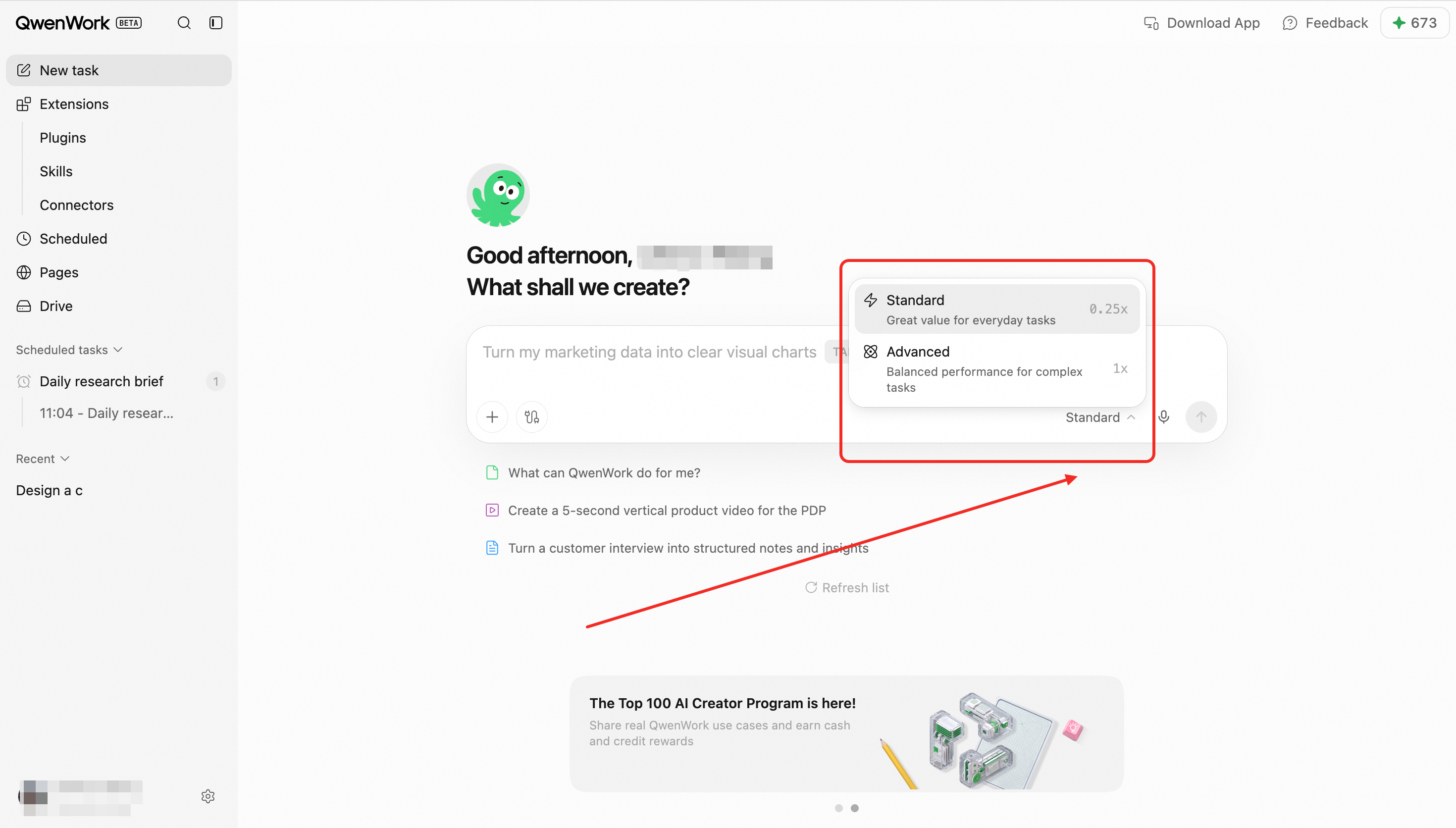
The international edition provides two model tiers:
- Basic: everyday questions, content work, and standard tasks.
- Advanced: complex reasoning, long-running workflows, and high-quality professional deliverables.
Multi-turn Sessions
Follow up, add information, or request revisions without restating the entire task. Each session retains its own context.
Execution Progress
For complex work, QwenWork shows execution events, capability calls, and intermediate results. When user input or approval is needed, the Agent asks a focused question before continuing.
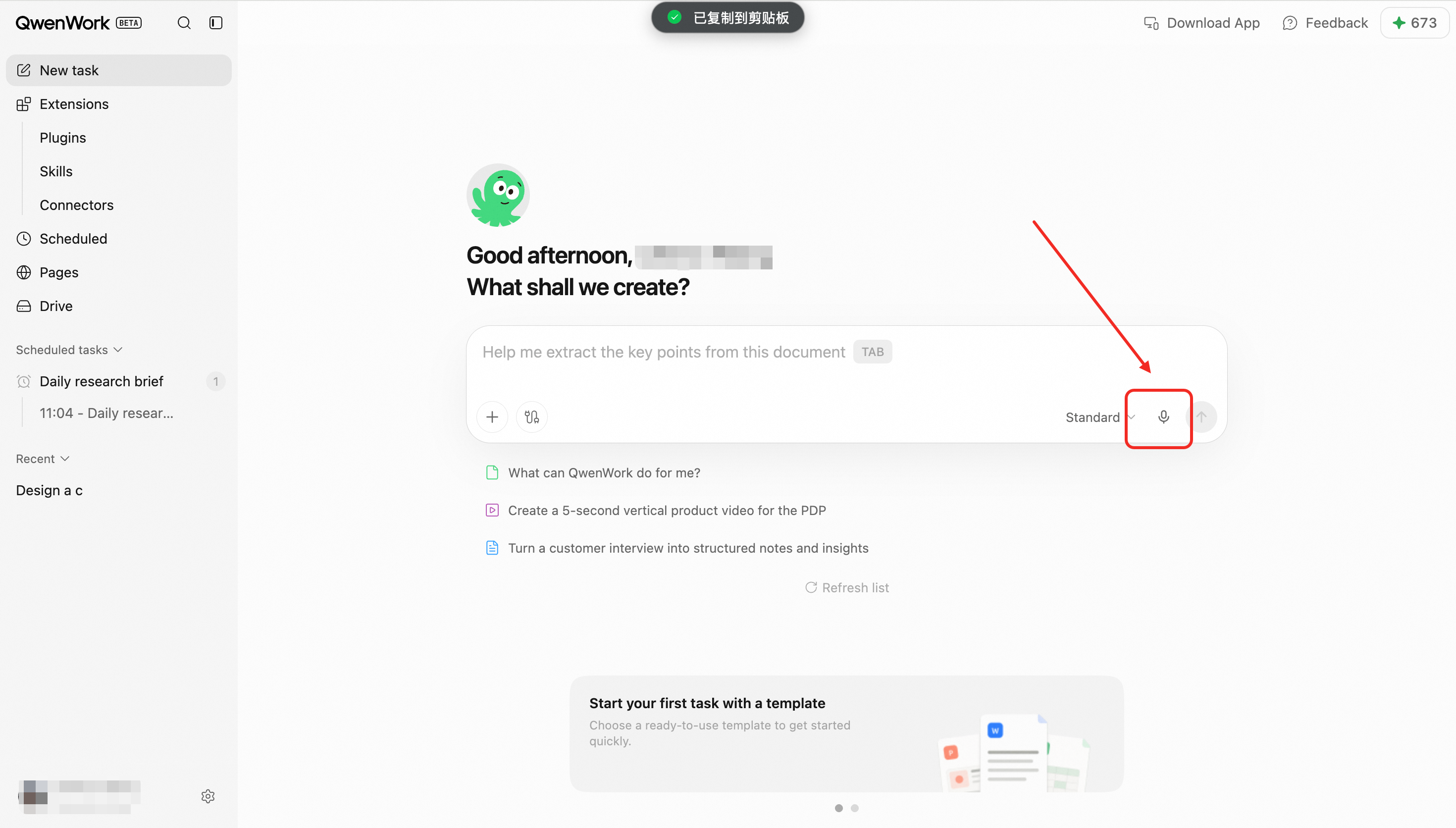
Voice Input
Users can dictate a request. Speech is converted to text so it can be reviewed or edited before submission.
Files and Images
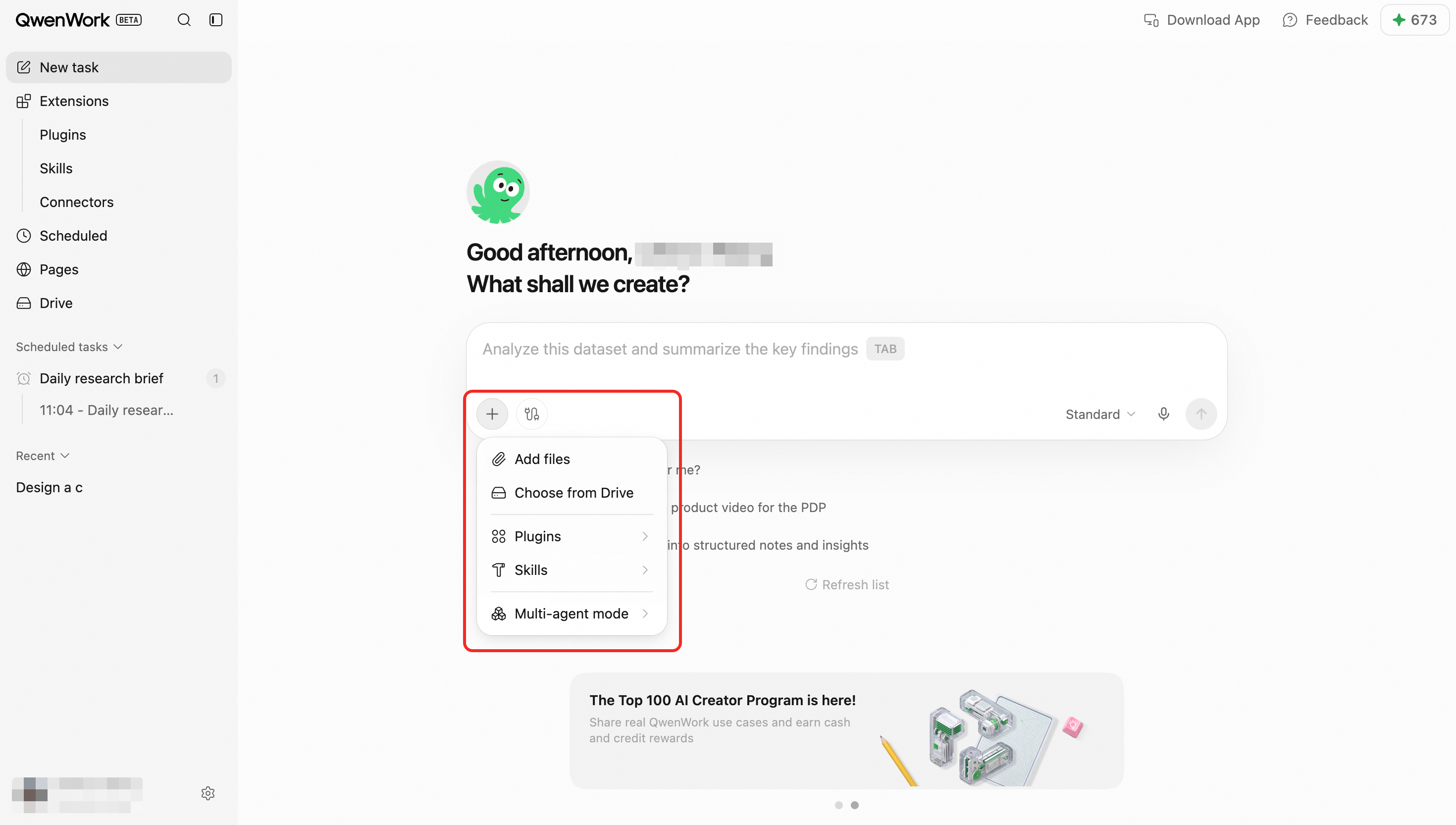
Attach files or images before or during a session. The Agent uses them as task context according to the user's instructions.
Skills and Connectors
Skills add specialized working methods. Connectors allow the Agent to use authorized external services.
Deliverables and Preview
The Agent may generate documents, spreadsheets, code, websites, or other files. Supported outputs can be previewed in the session, refined through follow-up instructions, or downloaded.
Support
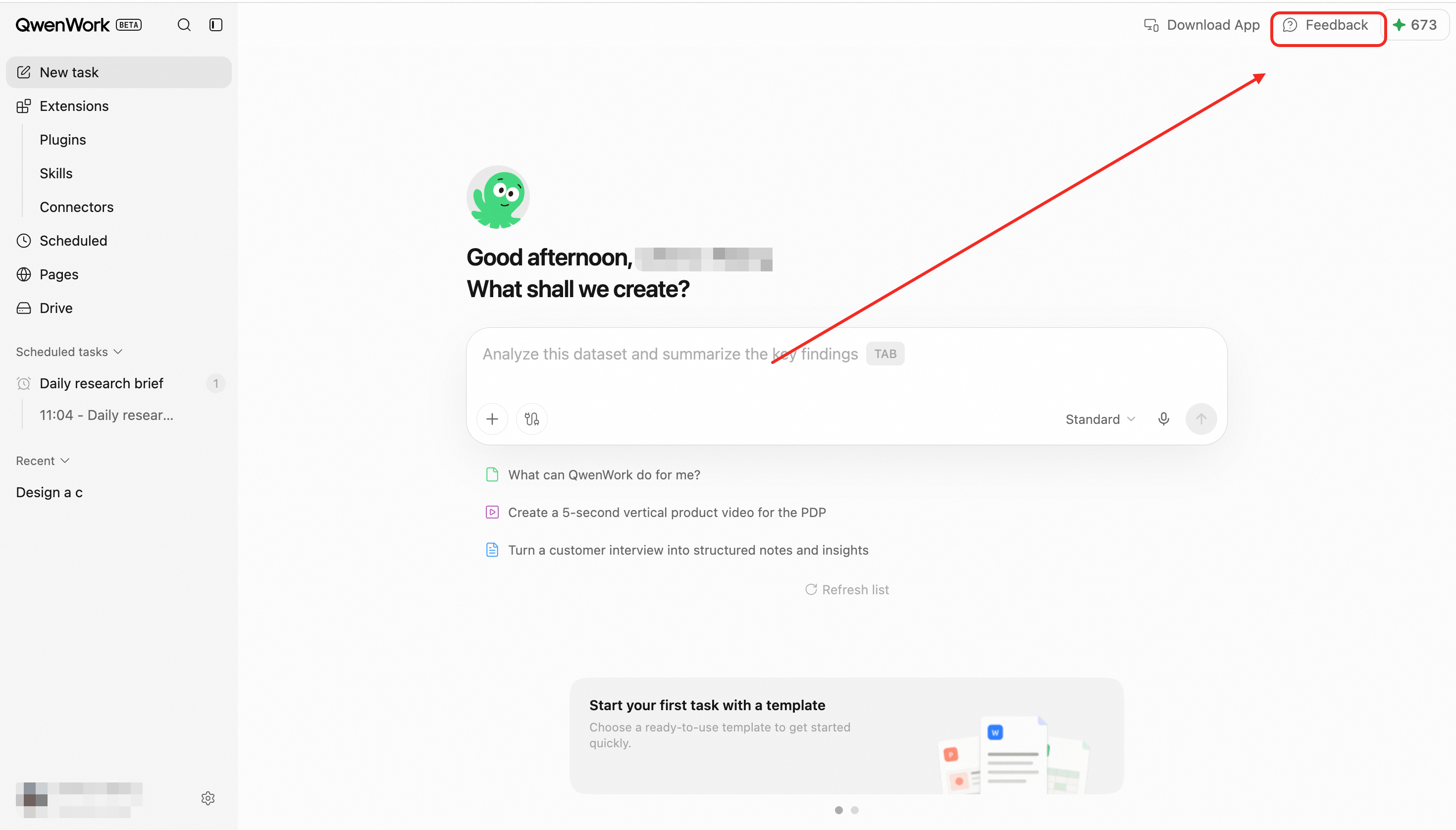
The feedback entry shows contact@qwenwork.ai and can open the user's email application.
End-to-End Flow
- Describe the goal and optionally select a model, files, Skills, and connectors.
- The Agent interprets the task and plans the steps.
- Progress and intermediate results appear in the session.
- The Agent asks for input when a decision or missing detail is required.
- The final response or deliverable is produced.
- The user reviews, refines, downloads, or converts repeatable work into a scheduled task.
Key Rules
- Each session has independent context.
- Files, Skills, and connectors are used only within the user's authorized scope.
- Sessions and deliverables belong to the active workspace.
- Complex tasks may be completed in stages.