
Environment variables controls which system variables are available in tasks and adds fixed values for your organization.
Use Security → Environment variables to choose which system variables are available in tasks or to add values for your organization.
Review the purpose and recipients before enabling a variable. Do not put long-lived keys, passwords, or unnecessary personal information into ordinary variables.
The list describes available client and user information, including names, identifiers, account, email, employee number, external user ID, and department values. Multiple departments may produce list values; services consuming them must handle the actual format.
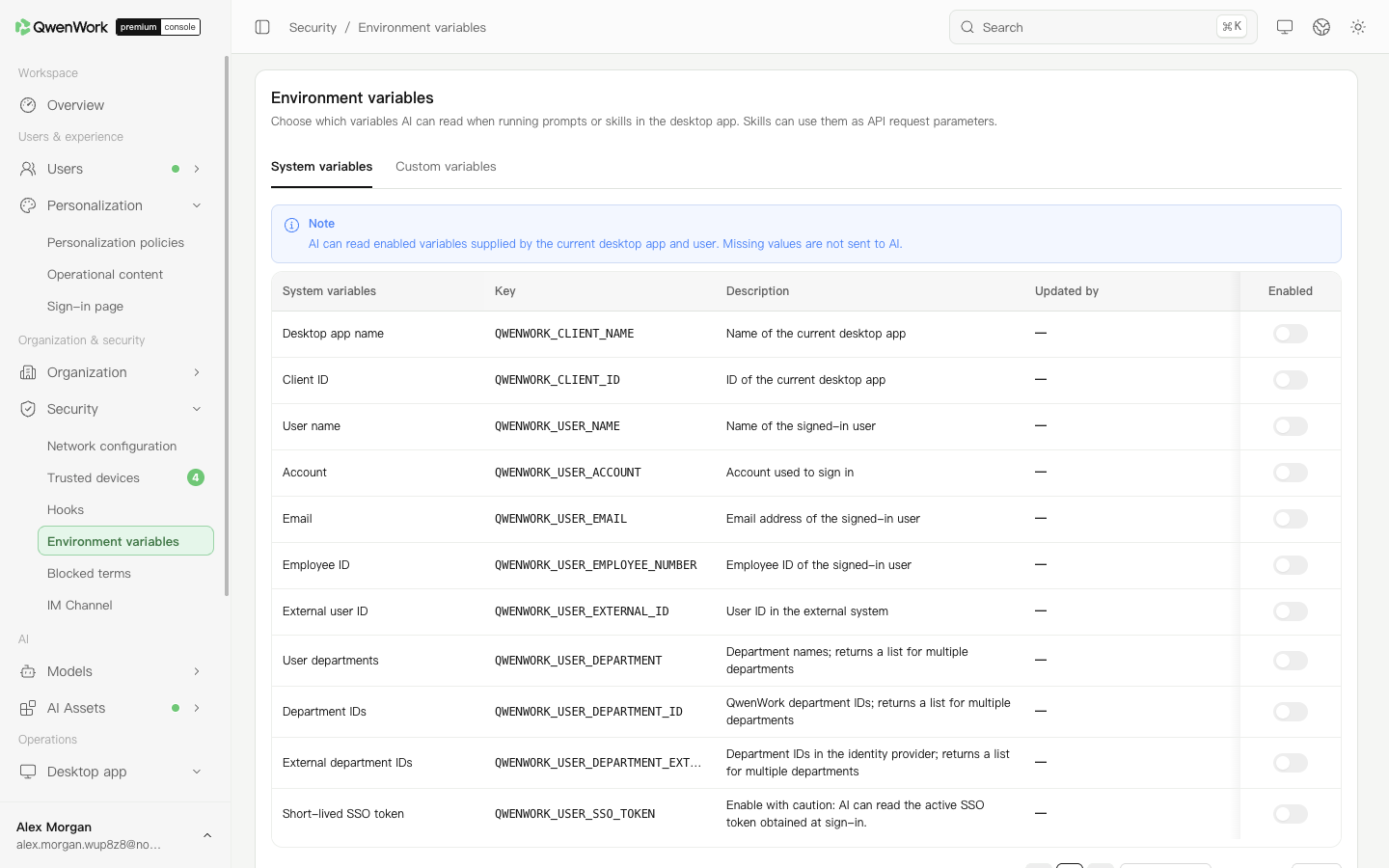 Admin console: control which system variables are exposed to the client environment.
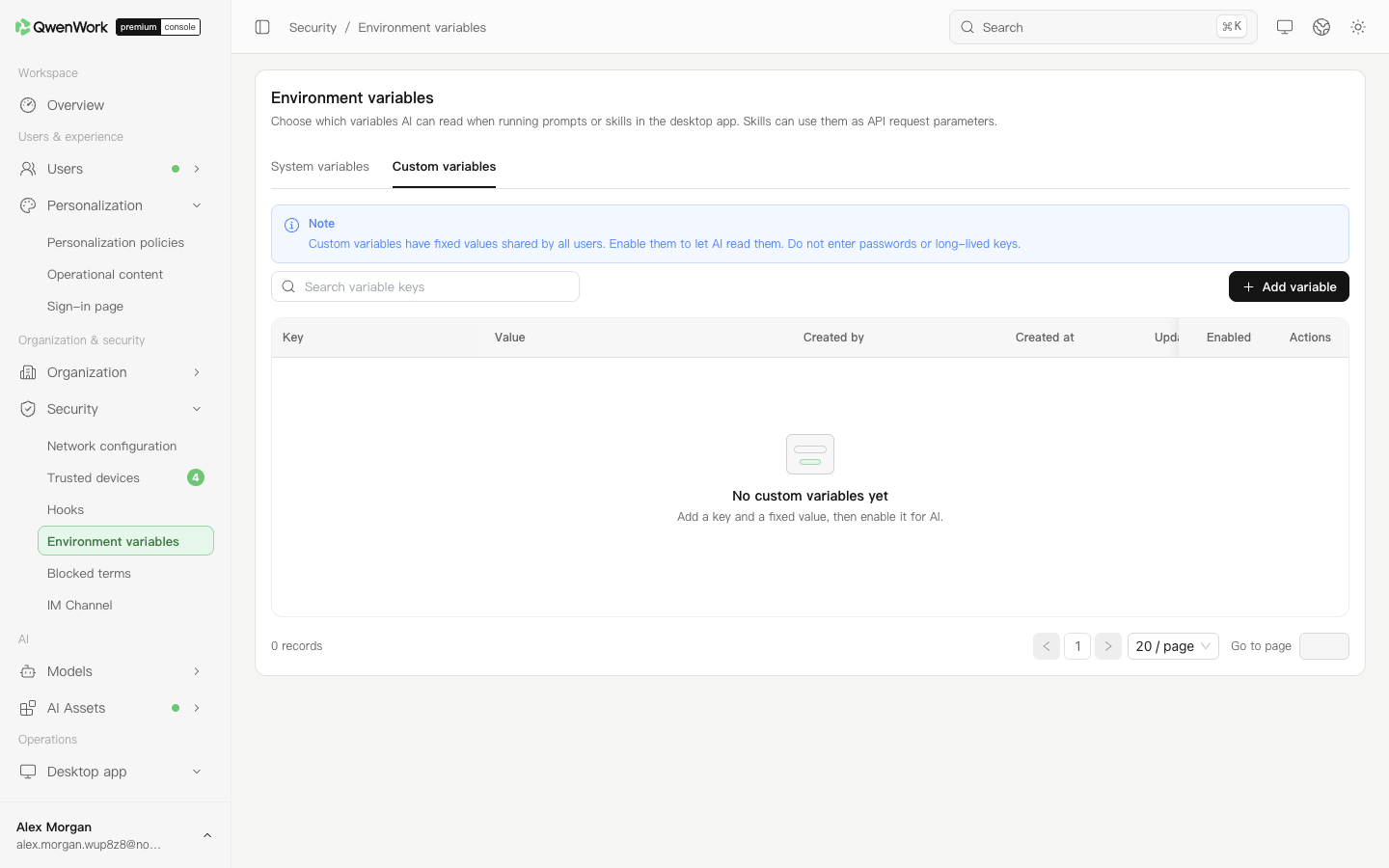 Admin console: manage fixed-value custom variables separately from system variables.
QwenWork provides system variables. An administrator chooses which ones to make available and fills in the names and values of custom variables.
Check that the system variable is enabled or that the custom variable was saved. Then test in the employee's enterprise environment with the exact variable name.
Return to: Security → Security overview
Manage system variables
The list describes available client and user information, including names, identifiers, account, email, employee number, external user ID, and department values. Multiple departments may produce list values; services consuming them must handle the actual format.
- Review the variable name, identifier, and description.
- Enable only the values the business task needs and check the saved state.
- Use a test member to verify the resulting task context.
QWENWORK_USER_SSO_TOKEN allows AI to read an available short-lived user SSO credential. Confirm the intended recipient and use before enabling it. A missing or expired credential is not supplied.
Maintain custom variables
- Open the custom variables tab and add a variable.
- Enter a unique identifier and value that satisfy the displayed validation rules. For example,
ENTERPRISE_API_BASEcan holdhttps://api.example.com. - Choose its enabled state, save, and check the identifier, state, and update time in the list.
- To change it, edit the value or state and save again.