
Choose the right AI model for your task.
Learn about the available models and choose the right one for your task
QwenWork comes with multiple world-class AI models and a flexible selection mechanism, helping you find the best balance between efficiency, quality, and cost.
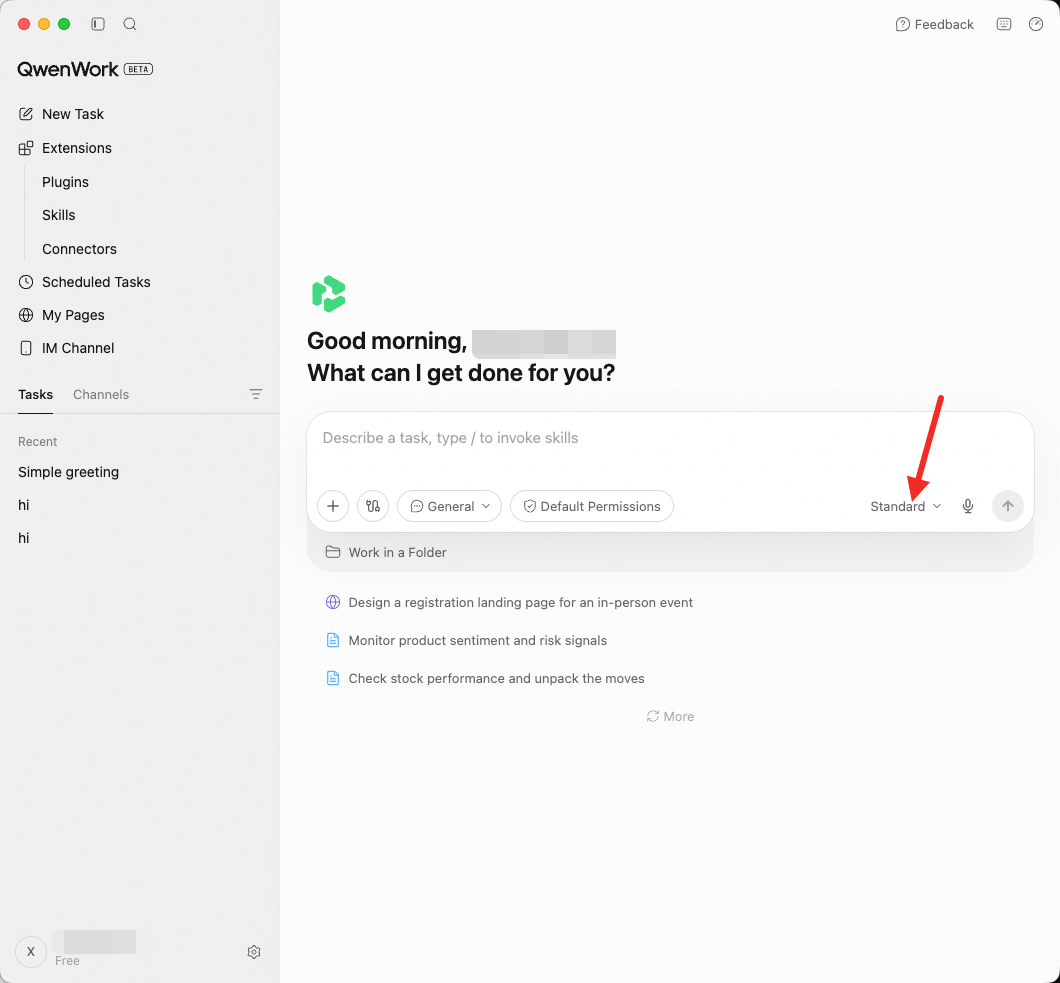 The model selector offers the following options:
Different models suit different types of tasks. Here are some suggestions:
1. Find the model selector
Next to the chat input box, click the model dropdown menu.
2. Choose a model
Select one of Advanced / Basic / Qwen3.8-Max.
3. Takes effect immediately
Your choice takes effect immediately, and the new model applies to the rest of the current conversation. There is no need to start a new conversation.
You can switch models at any time while a task is running. For example:
Different models consume Credits differently. Click the usage icon (⏱) at the top right of the interface to view your balance and usage details.
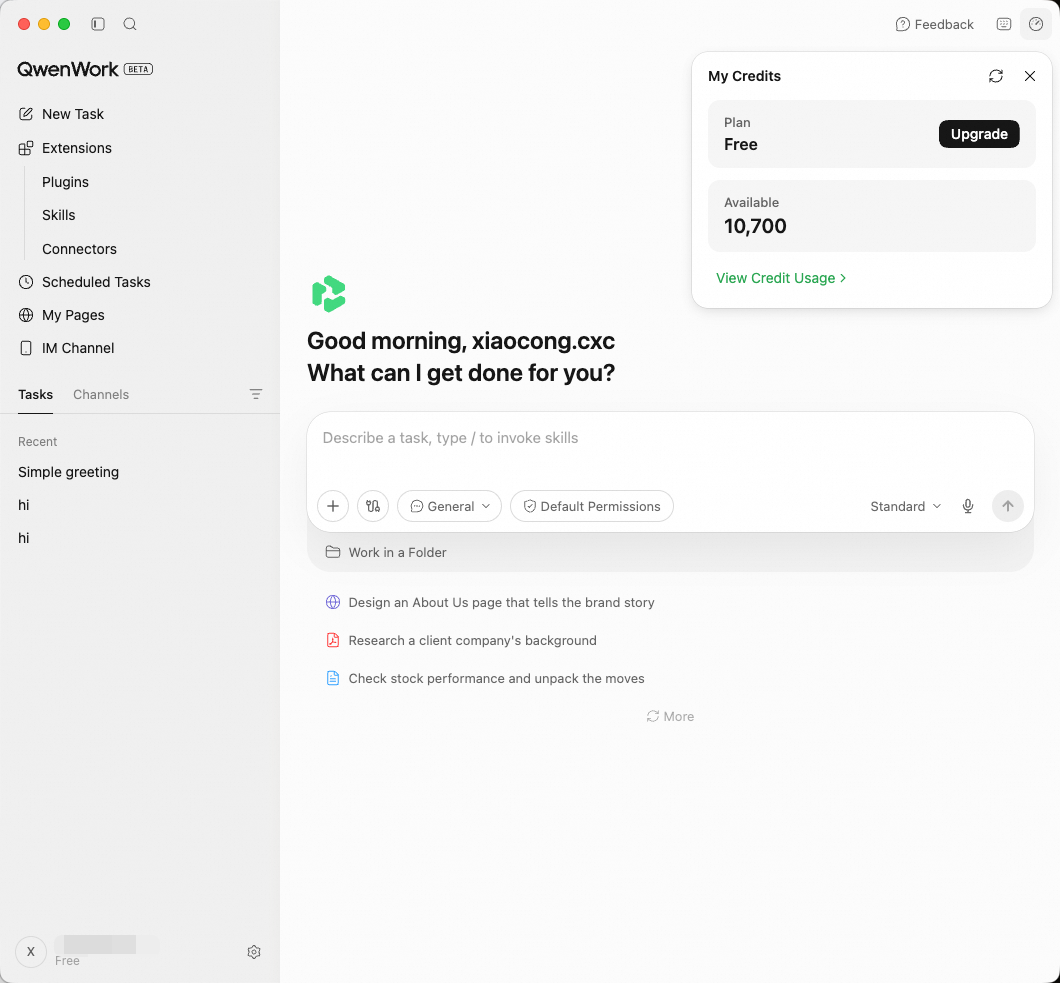 When your Credits balance runs low:
Available Models
| Model | Description | Recommended for |
|---|---|---|
| Basic | Smart and efficient, suited to everyday tasks | Simple Q&A, file format conversion, copy polishing, information lookups |
| Advanced | Strong and well-rounded, handles important tasks reliably | Key project decisions, critical analysis, and tasks that need stable output quality |
How to Choose
Different models suit different types of tasks. Here are some suggestions:
Tasks suited to Basic
- Format conversion (PDF to Word, CSV to Excel)
- Simple file organization and renaming
- Basic copy edits and translation
- Templated content generation (e.g., fixed-format emails)
- Quick information lookups
Tasks suited to Advanced
- Key decisions and analysis for important projects
- Tasks that require stable, reliable output quality
- Research and writing of medium complexity
- Work that sits between everyday tasks and deep reasoning
Tasks suited to Qwen3.8-Max
- Tasks that need the strongest Qwen reasoning capability
- Advanced analysis and complex problem solving built on Qwen
- Long-form writing with extremely high requirements on generation quality
How to Switch
1. Find the model selector
Next to the chat input box, click the model dropdown menu.
2. Choose a model
Select one of Advanced / Basic / Qwen3.8-Max.
3. Takes effect immediately
Your choice takes effect immediately, and the new model applies to the rest of the current conversation. There is no need to start a new conversation.
Switching Within a Task
You can switch models at any time while a task is running. For example:
- Start with Basic and let the AI handle the data collection in the first few steps
- When you reach a step that needs deep analysis, switch to Advanced
- Switch back to Basic for the final formatting and output step
Credits Consumption and Management
Different models consume Credits differently. Click the usage icon (⏱) at the top right of the interface to view your balance and usage details.
- You can purchase additional Credits in your account settings
- Switch to Advanced or Basic to reduce consumption
- See the Pricing page for details